
Loading
Warhawk Division is a gaming community. This is a unit document, not a government or military publication.Warhawk Division is an independent gaming community, for entertainment purposes only. It is not affiliated with, sponsored by, or endorsed by Bohemia Interactive, the United States Department of Defense, or any military organization. Arma Reforger is a trademark of its respective owner. Printed from warhawkdivision.com.
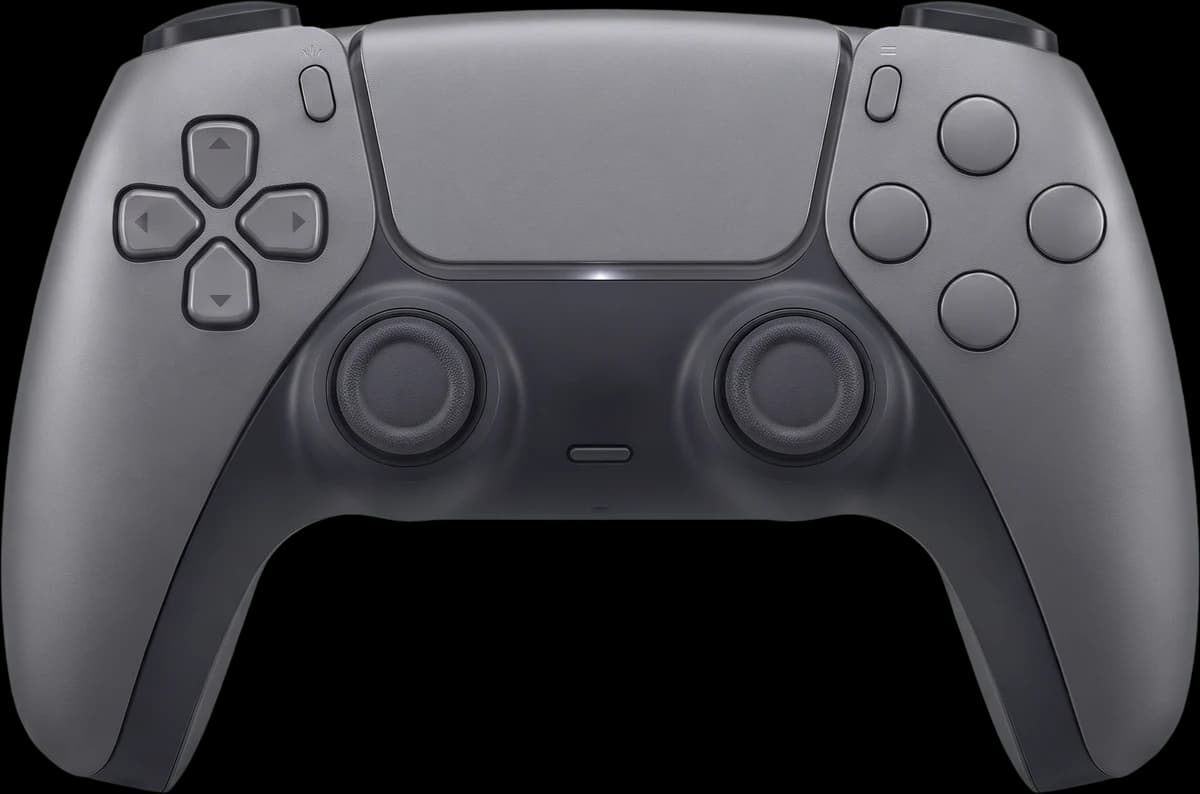
| Action | Keyboard | PS5 | Or type |
|---|---|---|---|
| TALON | |||
| Open TALON | ' | Hold D-pad Right, press Cross | |
| Switch tabs | Q and E | L1 and R1 | |
| Move between rows | Up and down arrows | D-pad up and down | |
| Step a setting | Left and right arrows, or a click | D-pad left and right | |
| Press a button row | Enter, or a click | Cross | |
| Close TALON | ' again, or Esc | Circle | |
| Reports | |||
| Lase | \ | Tap D-pad Left + Triangle | |
| Mark it CONTACT | \ again within 5 s | Tap D-pad Left + Triangle again within 5 s | |
| Send my position | - | POSITION REPORT on BFT TOOLS | /bft pos |
| Track the nearest casualty | Click a row on the map's CASUALTIES panel | TRACK CASUALTY on BFT TOOLS | /bft track |
| Compass and tags | |||
| Mark or clear a bearing | . | MARK BEARING on BFT TOOLS | /bft mark |
| Degrees or mils | , | MILS / DEGREES on BFT TOOLS | /bft mils |
| Friendly tag range | ; | TAGS RANGE on BFT TOOLS | /bft tags |
| Display | |||
| Hide or show everything | = | Tap D-pad Right + Triangle | /bft hide |
| Hide or show one display | TALON's BFT DISPLAY tab | TALON's BFT DISPLAY tab | |
| Colorblind mode | COLORBLIND MODE on BFT DISPLAY | COLORBLIND MODE on BFT DISPLAY | |
| Map | |||
| Read a grid | Mouse over the map | Move the map cursor | |
| Center the map on you | Home, or click CENTER ON ME | Click the Left Stick (L3) | |
| Your settings | TALON's BFT tab | TALON's BFT tab | |