
Loading
Warhawk Division is a gaming community. This is a unit document, not a government or military publication.Warhawk Division is an independent gaming community, for entertainment purposes only. It is not affiliated with, sponsored by, or endorsed by Bohemia Interactive, the United States Department of Defense, or any military organization. Arma Reforger is a trademark of its respective owner. Printed from warhawkdivision.com.
Week 12 content
0 of 13 done
Slide 1 of 14
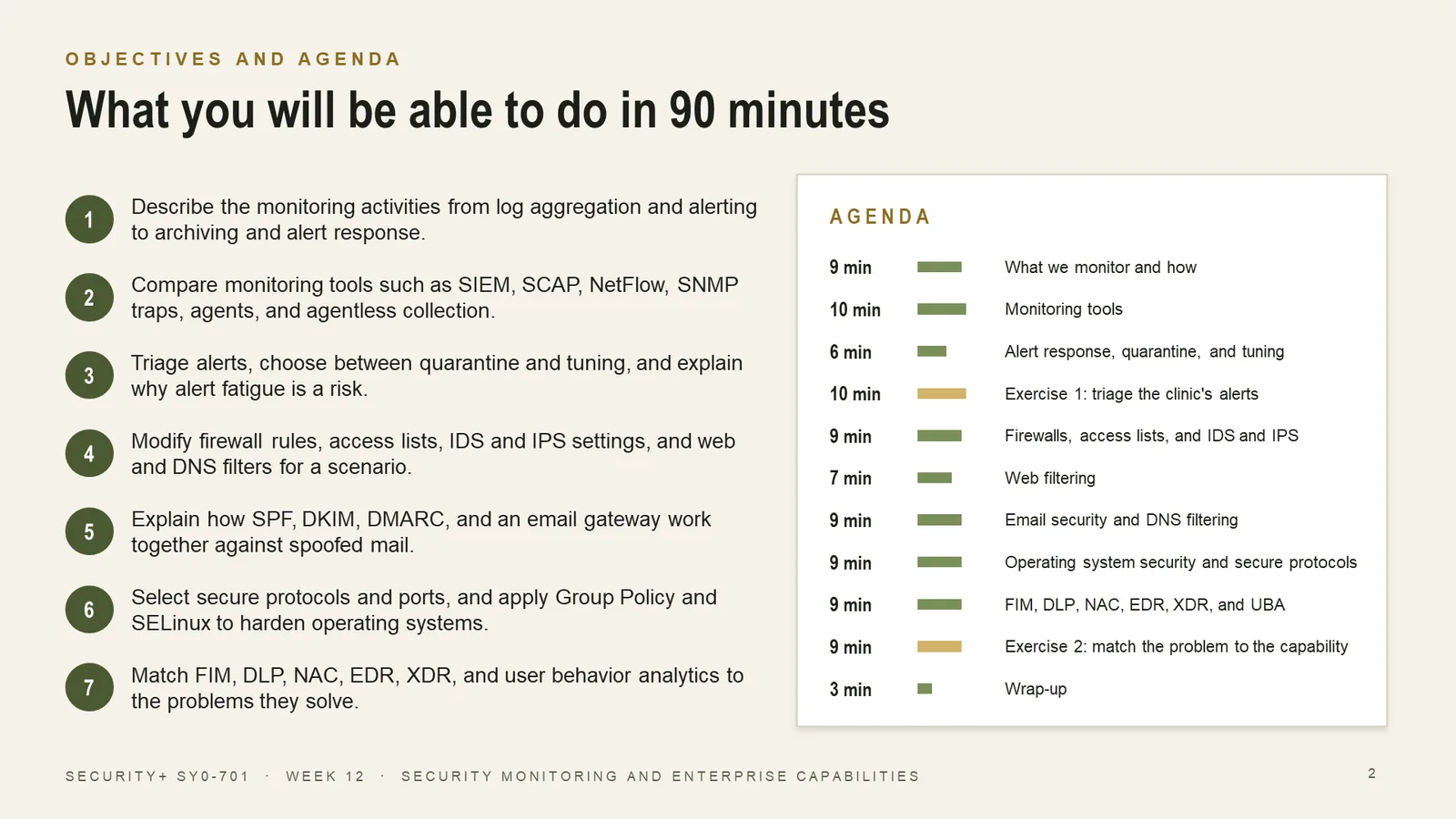
Exam objectives: 4.4 Explain security alerting and monitoring concepts and tools. 4.5 Given a scenario, modify enterprise capabilities to enhance security.
9 min
Security+ groups the computing resources you monitor into three kinds:
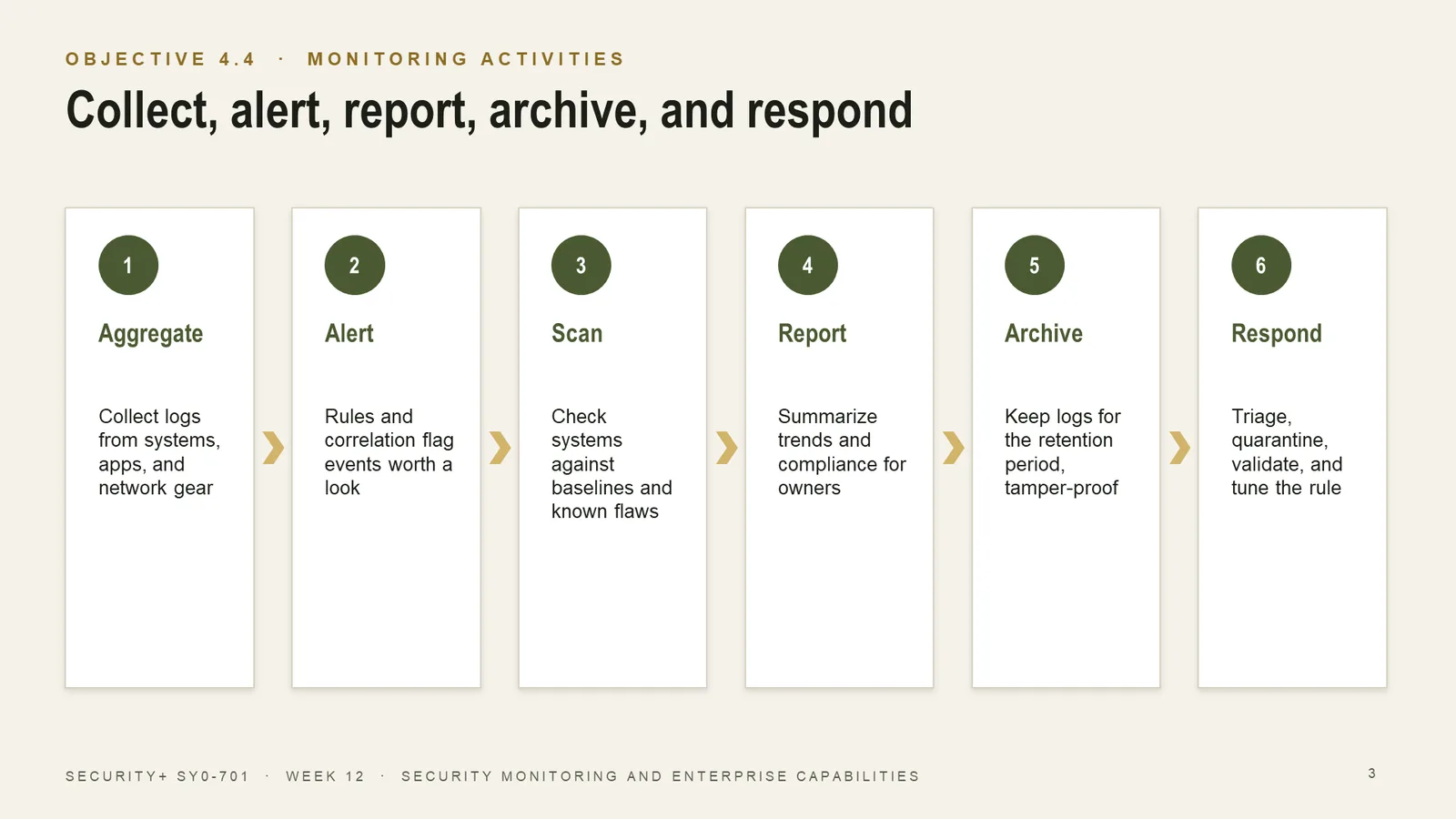
The activities of monitoring are the same across all three:
Tip
Time sync matters. If systems disagree on the time, correlation fails. Point every device at the same NTP source before you trust a SIEM timeline.
10 min
Watch out
NetFlow does not capture payloads. If a question needs the content of a conversation, the answer is packet capture, not NetFlow.
6 min
When an alert fires, the analyst triages it: is it real, how bad is it, and what happens next?
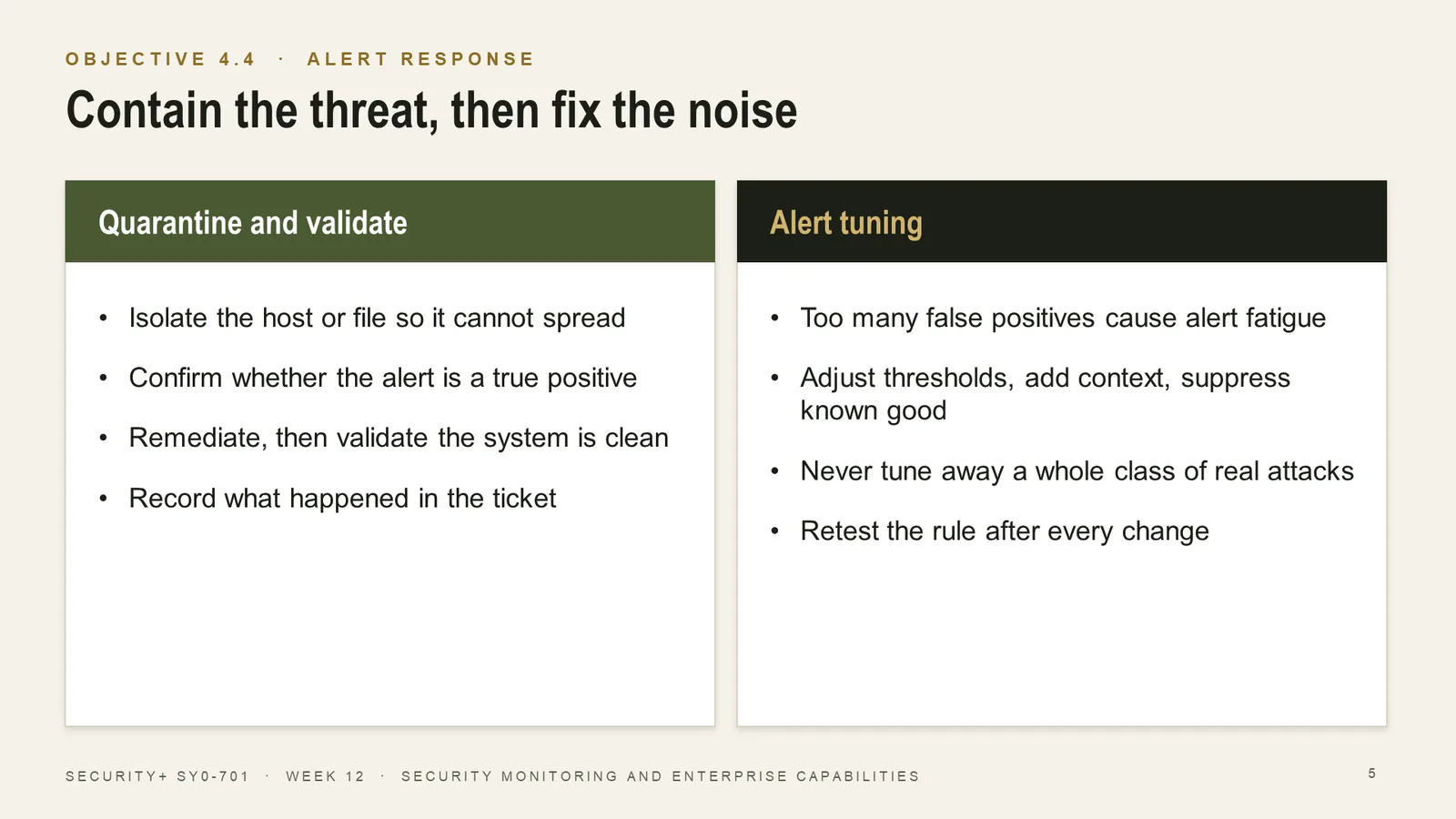
When the alert is real, contain it first. Quarantine isolates the threat: antivirus moves a file to a protected folder, EDR cuts a host off from the network except for the management console, or NAC moves a device to a restricted VLAN. Then remediate the cause, such as removing malware, resetting a password, or patching. Finally, validate: rescan, check logs, and confirm the system is clean before releasing it. Record each step in the ticket.
When the alert is noise, tune it. Alert tuning adjusts a rule so it fires on what matters:
Tuning is a security task, not a convenience. A rule that fires hundreds of times a day produces alert fatigue: analysts stop reading it, and a real attack hidden in the noise gets missed. Tuning reduces false positives, but be careful not to create false negatives by excluding too much. Retest a rule after every change, and document why it changed.
10 min
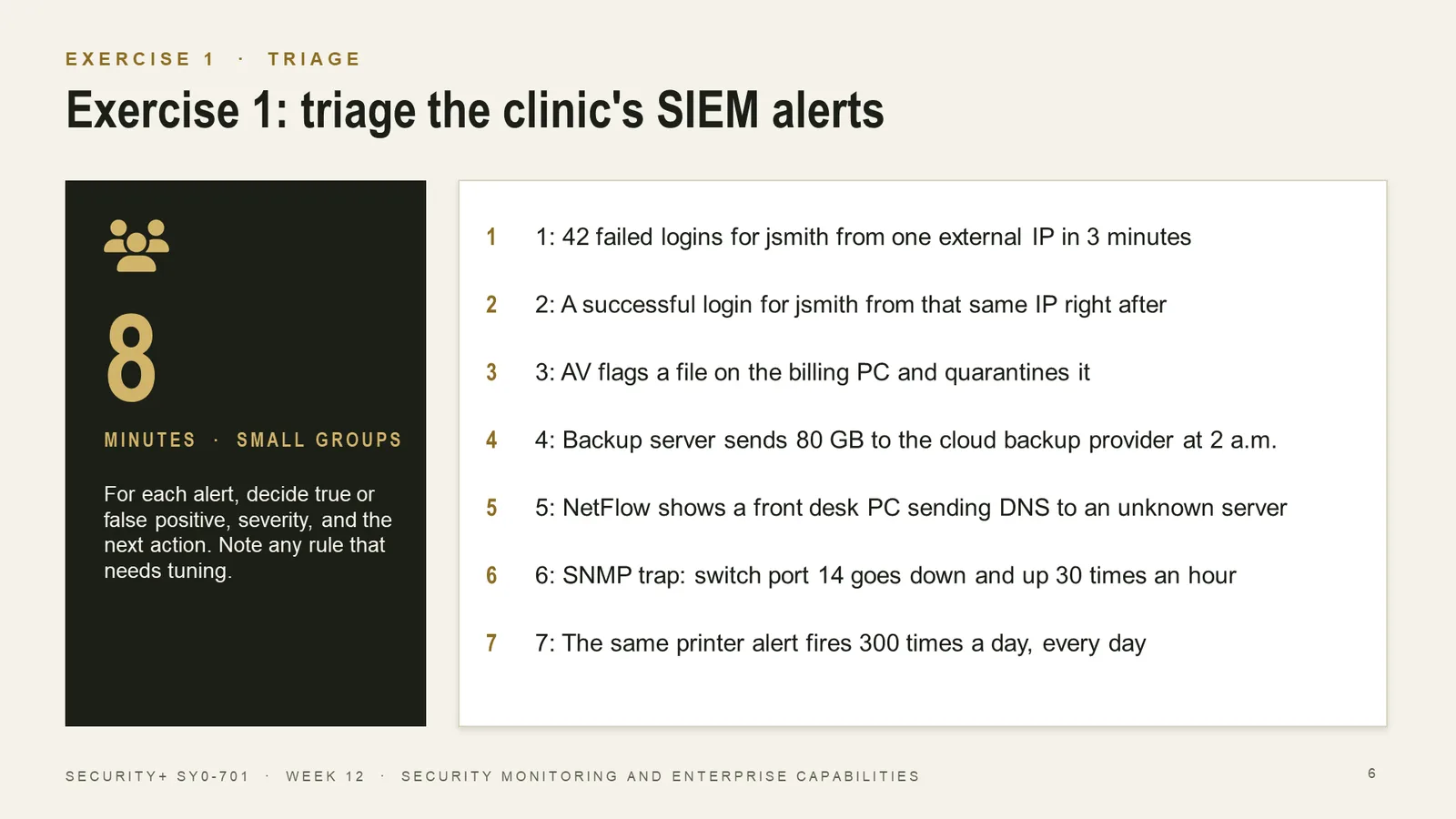
In small groups, take eight minutes. Lakeside Family Clinic now sends its logs to a small SIEM. These alerts arrived overnight.
| # | Alert |
|---|---|
| 1 | 42 failed logins for jsmith from one external IP in 3 minutes |
| 2 | A successful login for jsmith from that same IP right after |
| 3 | Antivirus flags a file on the billing PC and quarantines it |
| 4 | The backup server sends 80 GB to the cloud backup provider at 2 a.m. |
| 5 | NetFlow shows a front desk PC sending DNS queries to an unknown external server |
| 6 | SNMP trap: switch port 14 goes down and up 30 times an hour |
| 7 | The same printer alert fires 300 times a day, every day |
For each alert, decide whether it is likely a true or false positive, rate it low, medium, high, or critical, and name the next action. Mark any rule that needs tuning. Then pick the one alert you would escalate first.
Escalate first: alerts 1 and 2 together. Read alone, alert 1 is a brute force attempt. Followed by alert 2, it means the attacker probably guessed the password.
9 min
Objective 4.5 is about modifying enterprise capabilities: given a problem, change a setting.
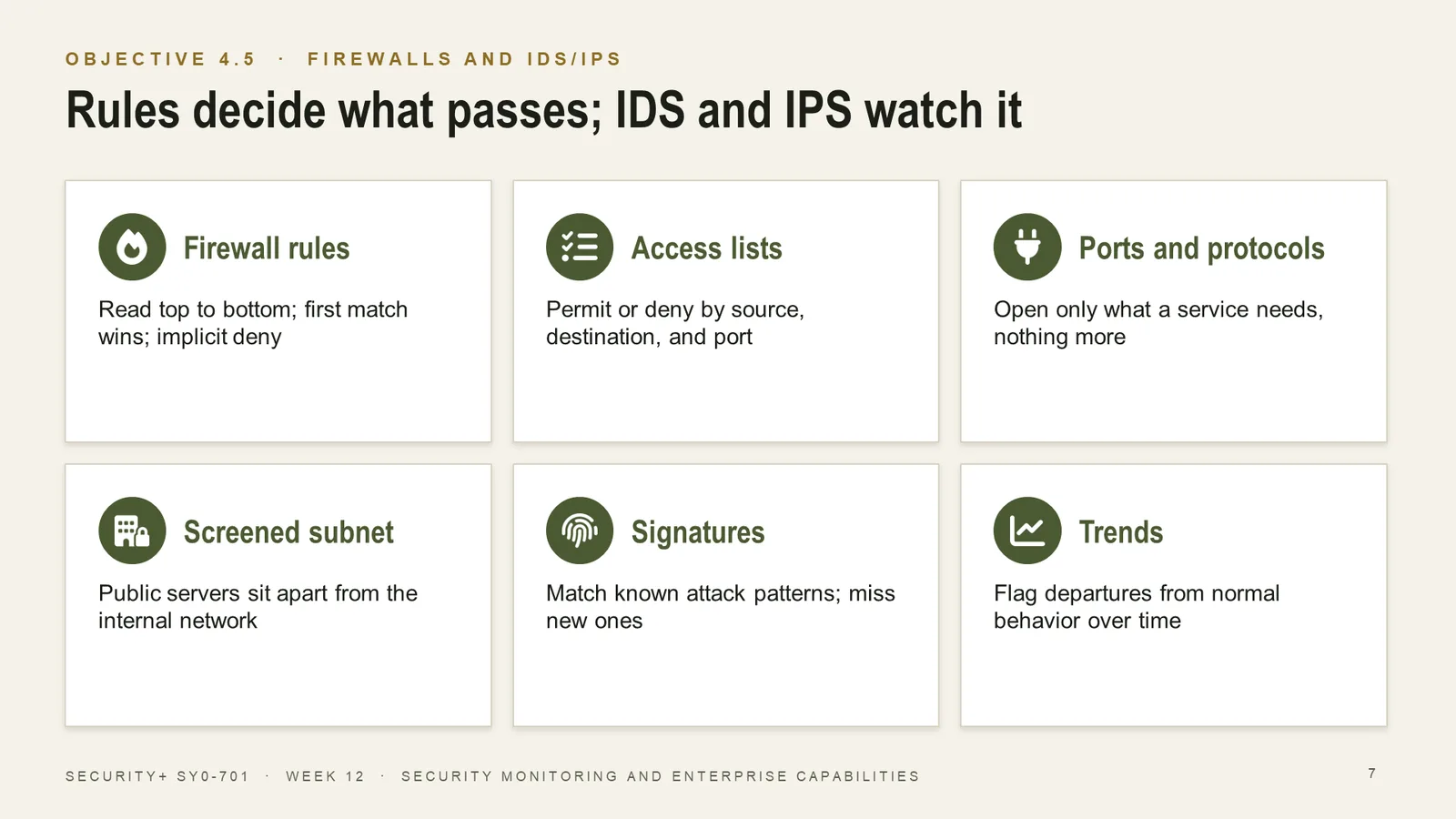
Firewall rules match traffic on source, destination, port, and protocol, then allow or deny it. Most firewalls read rules top to bottom and stop at the first match, so put specific rules above general ones. Most end with an implicit deny: anything not allowed is dropped. A common mistake is a broad allow rule above a narrow deny rule, which makes the deny useless.
Access lists (ACLs) apply the same idea on routers and switches, permitting or denying traffic by address and port.
Ports and protocols. Open only what a service needs. A web server in front of the internet needs TCP 443, and maybe TCP 80 to redirect to HTTPS; it does not need RDP open to the world.
Screened subnet (formerly called a DMZ) is a network segment between the internet and the internal network for servers the public must reach, such as a web server. If one is compromised, the firewall still separates it from internal systems.
IDS and IPS. An intrusion detection system alerts; an intrusion prevention system sits inline and can block. Both detect in two main ways:
Tip
Scenario says a new attack got through with no matching pattern: signature detection failed. Scenario says too many alerts on unusual but harmless traffic: anomaly detection needs tuning.
7 min
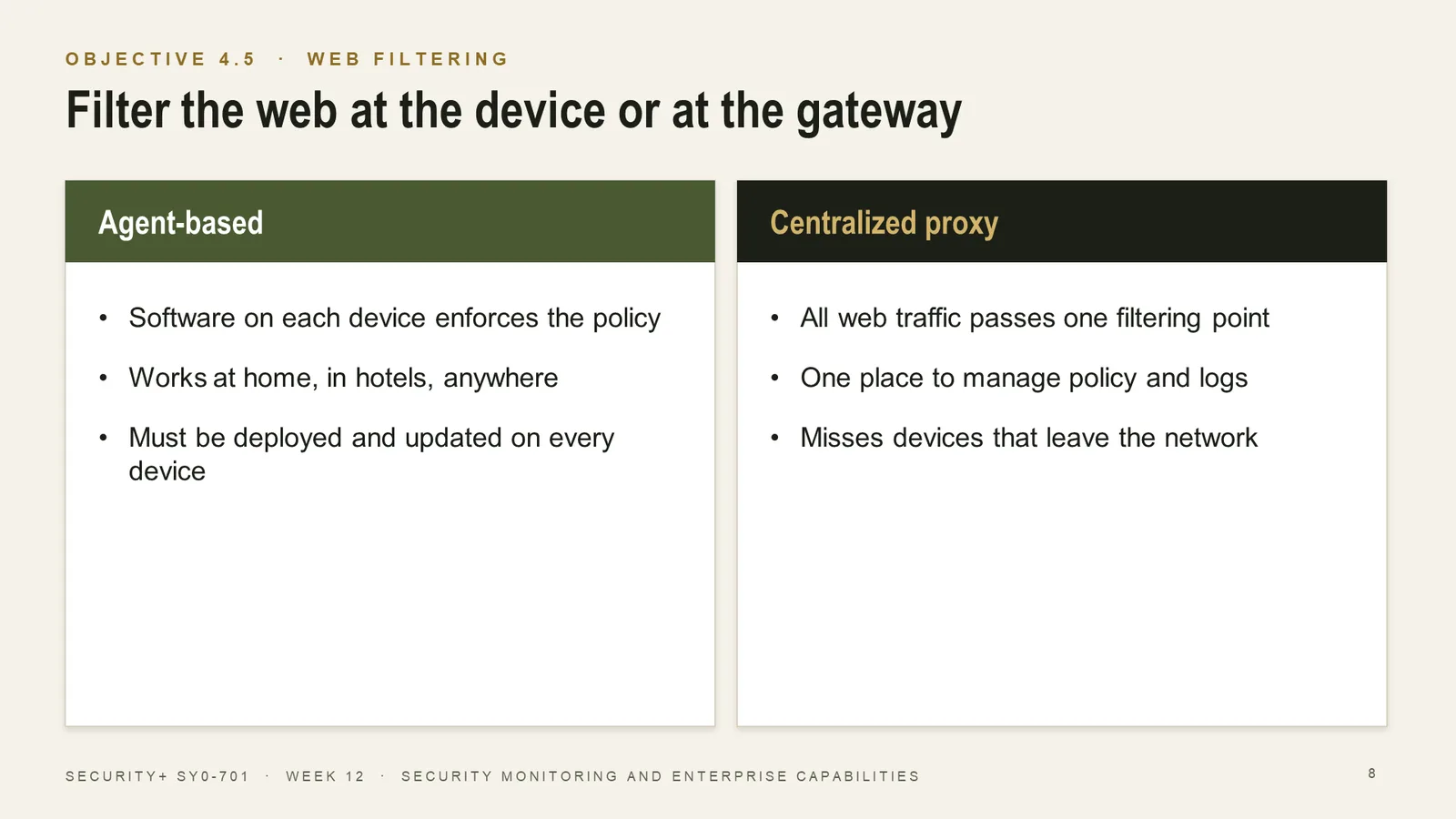
A web filter controls which websites users can reach and inspects what comes back. There are two ways to deploy one:
Both use the same techniques:
A clinic might block the malware, phishing, and newly registered domain categories for everyone, and block personal file sharing sites for everyone except IT.
9 min
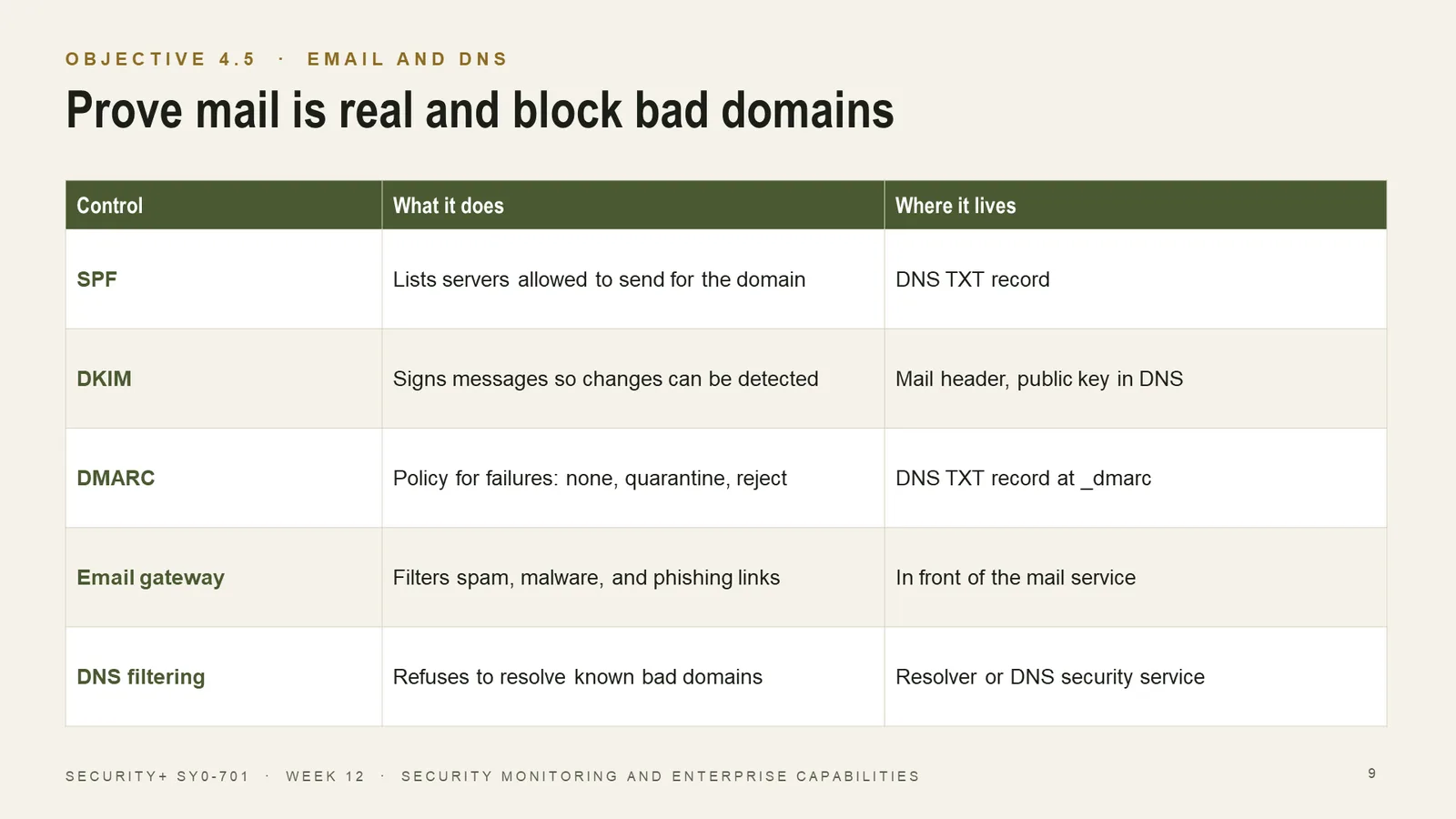
Email is the most common way attacks arrive, and three DNS-based controls work together to stop spoofing of your own domain.
_dmarc that tells receivers what to do when SPF or DKIM fails, and whether the domain in the visible From address aligns with them. The policy is none (monitor only), quarantine (send to spam), or reject. DMARC also sends reports back to the domain owner.The usual rollout is SPF and DKIM first, then DMARC at none to read the reports, then quarantine, then reject once legitimate senders, such as a billing service, are all accounted for.
An email gateway sits in front of the mail service and filters inbound and outbound mail for spam, malware attachments, and phishing links. Many rewrite links and open attachments in a sandbox.
DNS filtering refuses to resolve domains known to be malicious, or sends users to a block page instead. Since nearly every connection starts with a DNS lookup, it stops many phishing links and malware callbacks early, for every protocol, not just the web. It only works if devices are forced to use the filtering resolver, so block outbound DNS to anything else.
Watch out
SPF checks the sending server. DKIM checks the message signature. DMARC sets the policy and reports. Only DMARC tells the receiver to reject.
9 min
Operating system security.
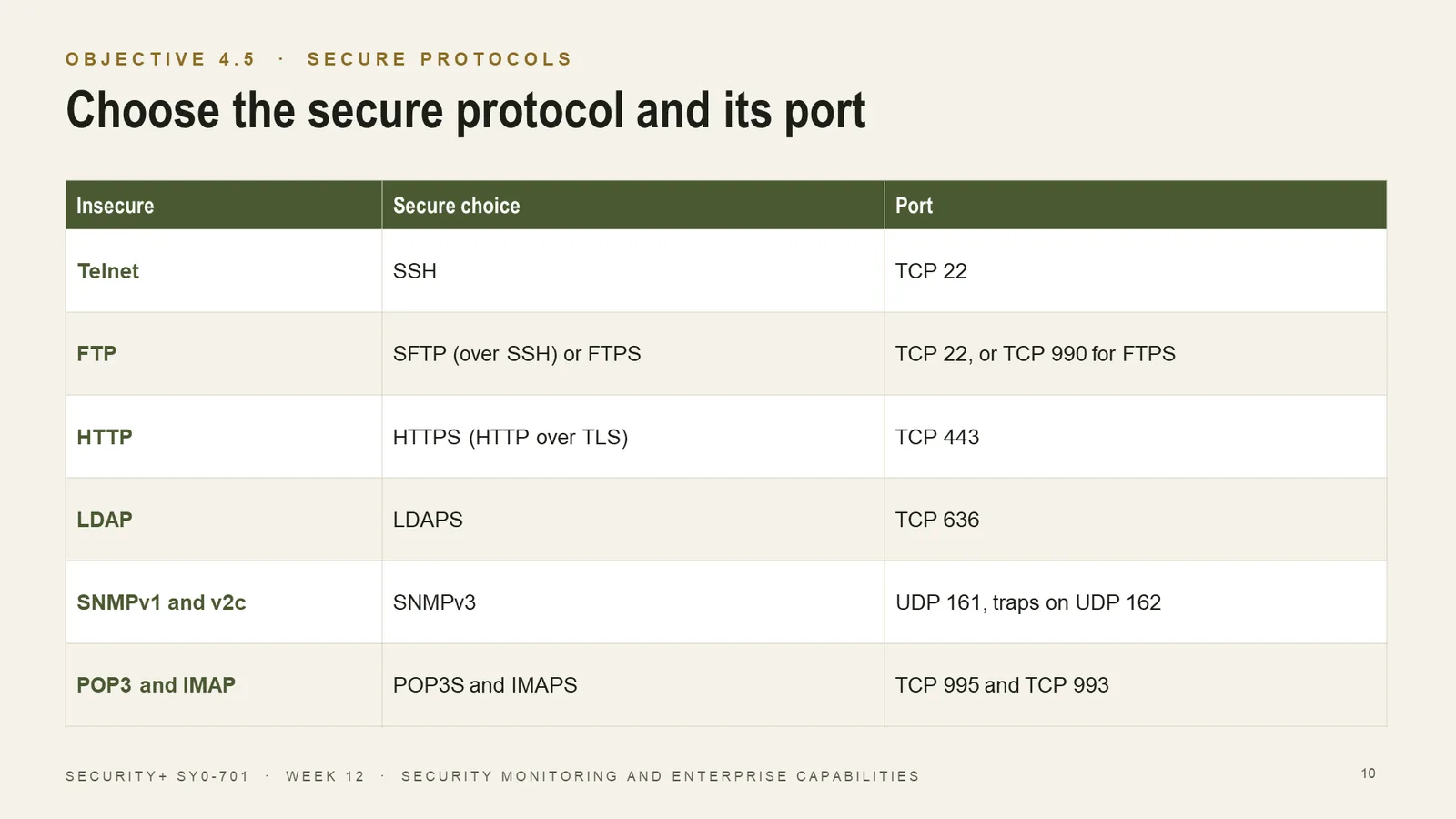
getenforce. Turning SELinux off to make an application work is a common, risky shortcut.Implementation of secure protocols comes down to three choices:
Tip
Know the ports in the table: 22, 443, 636, 990, 993, 995, and 161 and 162. A question that names an insecure protocol usually wants its secure replacement.
9 min
Tip
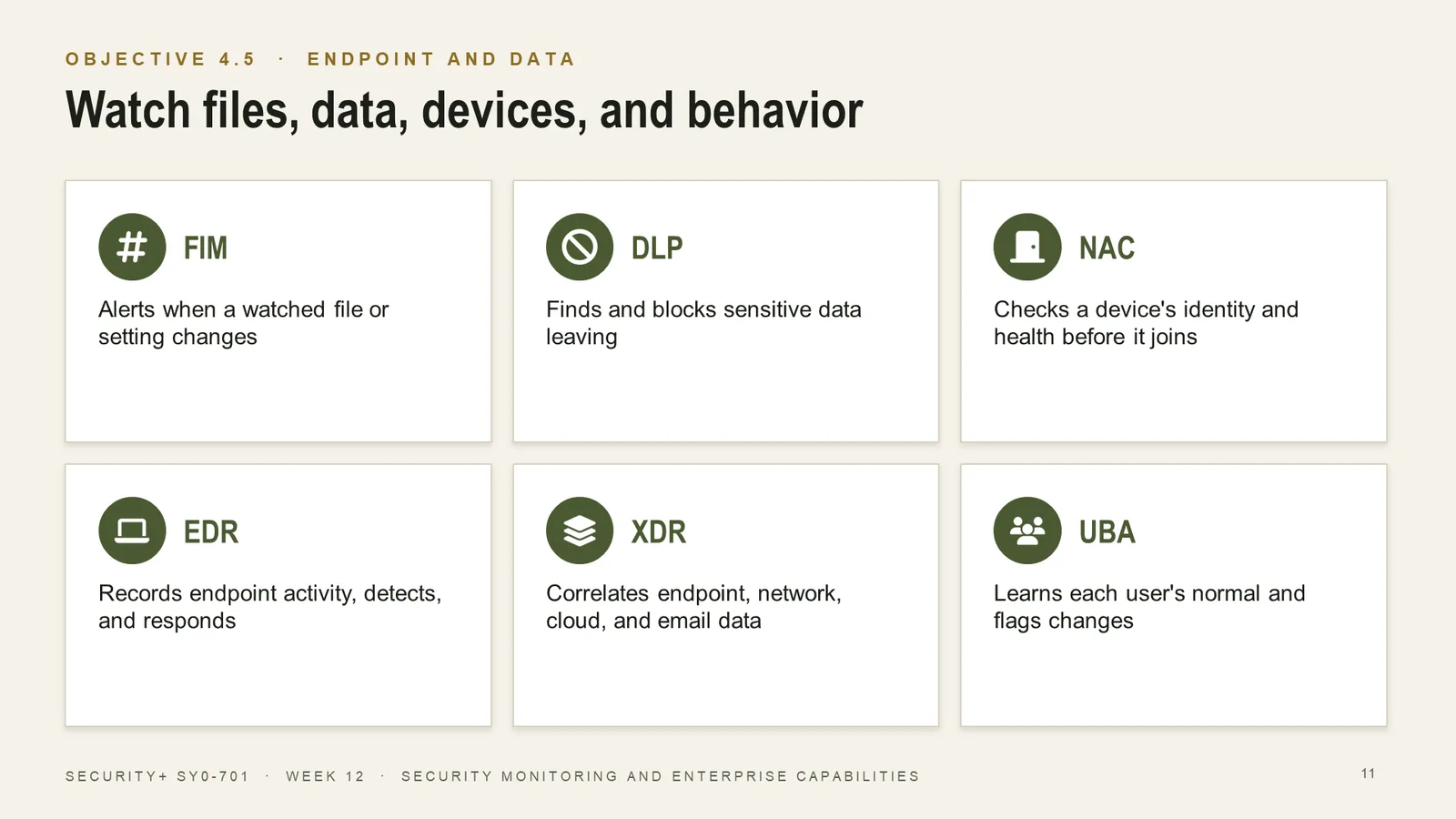
FIM watches files, DLP watches data, NAC watches who joins, EDR watches the endpoint, XDR watches across systems, and UBA watches people.
9 min
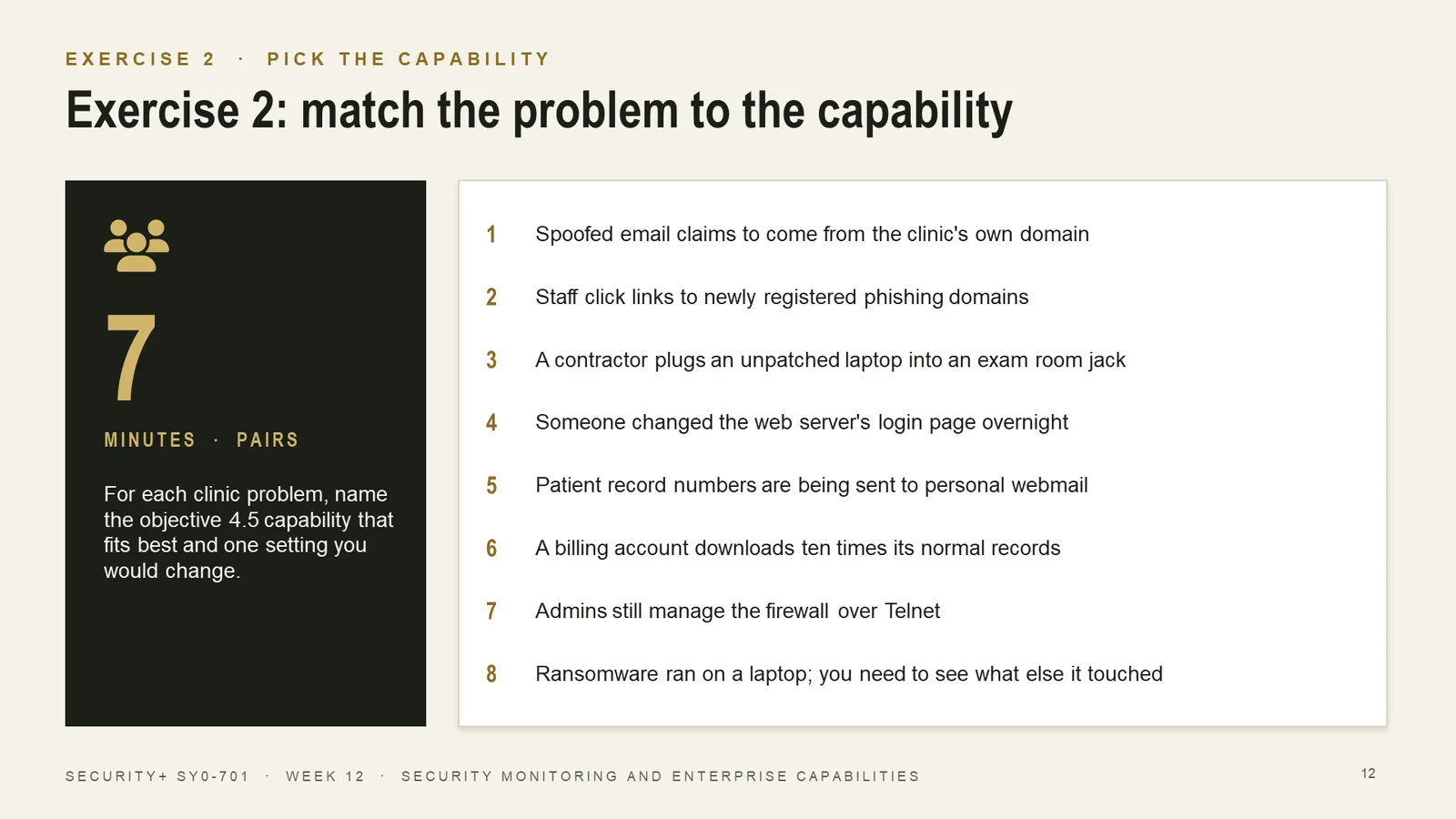
With a partner, take seven minutes. For each problem at Lakeside Family Clinic, name the objective 4.5 capability that fits best and one specific setting you would change.
Some items have two good answers. Name a setting, not just a product category.
3 min
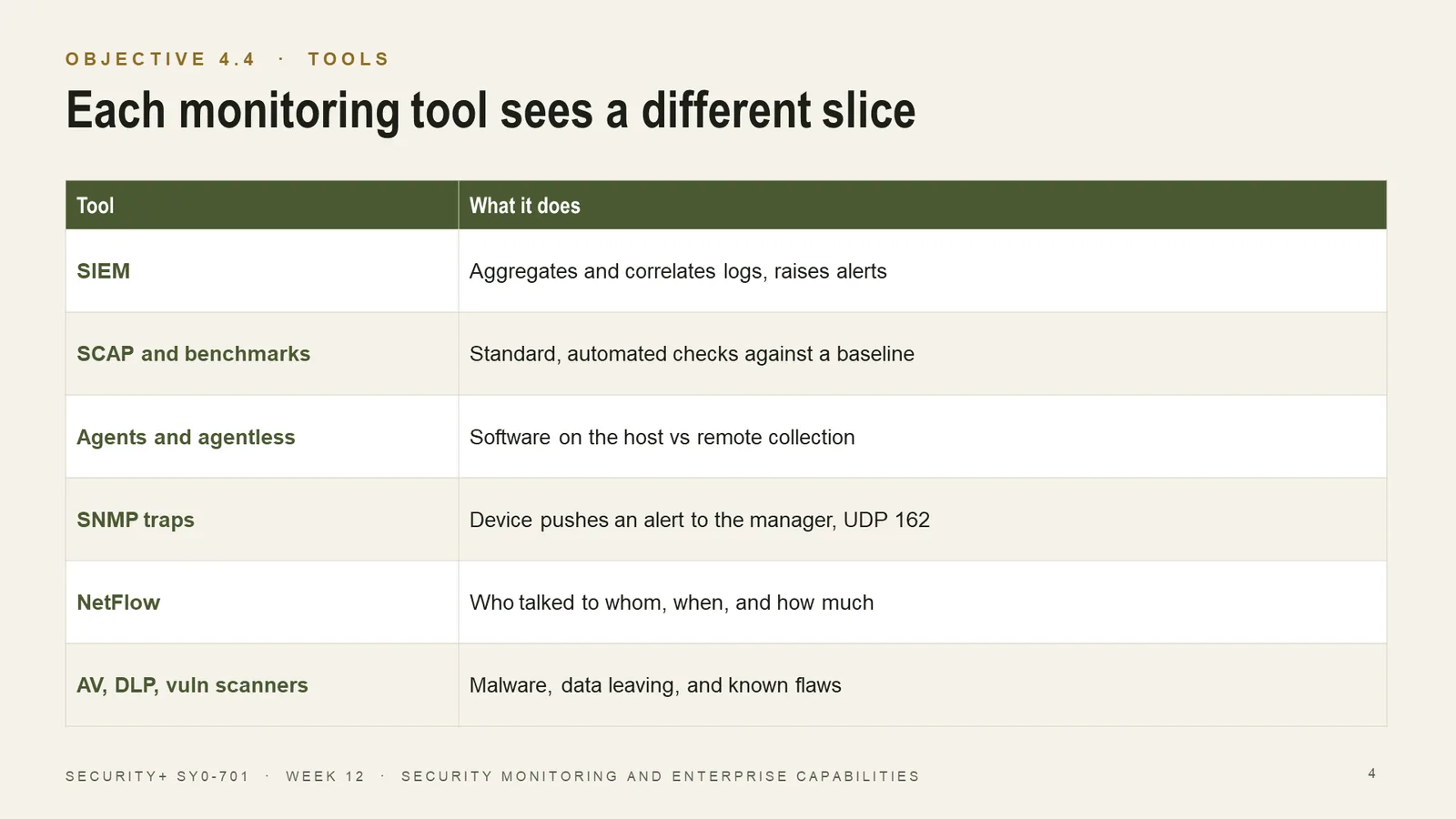
Monitoring and enterprise capabilities form a loop. Objective 4.4 is the watching half: aggregate logs from systems, applications, and infrastructure, alert on what matters, scan, report, archive, and respond with quarantine, validation, and tuning. The tools each see a different slice, from SIEM correlation and SCAP checks to SNMP traps and NetFlow.
Objective 4.5 is the acting half: change firewall rules and access lists, keep IDS and IPS signatures current, filter the web, DNS, and email, choose secure protocols and ports, apply Group Policy and SELinux, and add FIM, DLP, NAC, EDR, XDR, and UBA where the perimeter falls short.
Answer the five review questions and take the ten-question quiz. Next week we turn to identity: who gets access, how they prove who they are, and how automation keeps it all consistent.
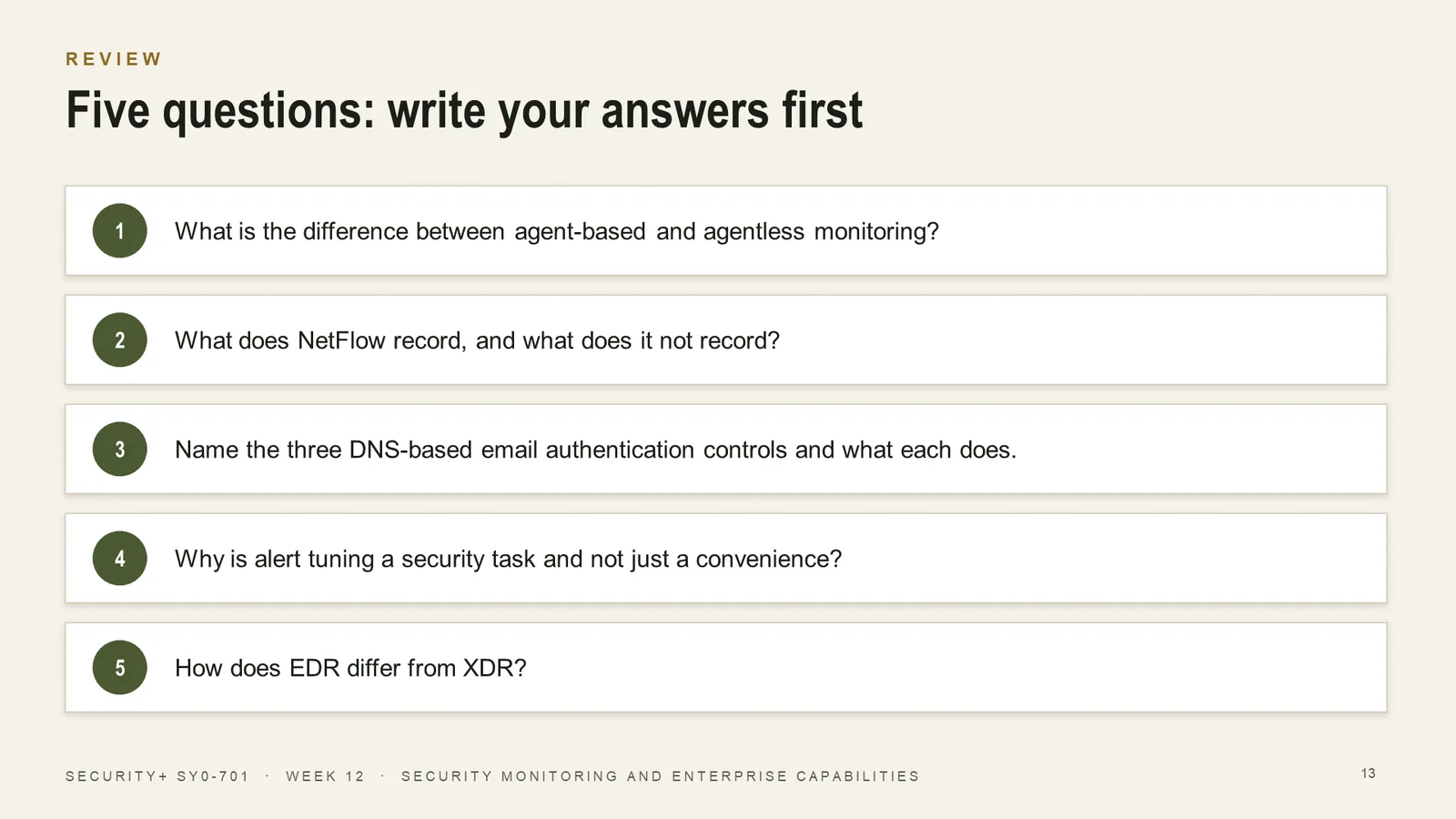
Write your answers to the five review questions first, then open each one to check it.
An agent is software installed on the host that collects and forwards data and can often act on the host. Agentless collection uses remote queries, syslog, or APIs, with nothing extra installed.
It records metadata about conversations: addresses, ports, protocol, times, and byte counts. It does not record packet contents.
SPF lists the servers allowed to send for a domain. DKIM signs messages so tampering can be detected. DMARC tells receivers what to do when checks fail and sends reports to the domain owner.
Noisy rules cause alert fatigue. Analysts start ignoring them, and a real attack hidden among false positives is missed.
EDR monitors and responds on endpoints. XDR correlates data across endpoints, network, cloud, email, and identity so one attack shows up as one incident.
60 min
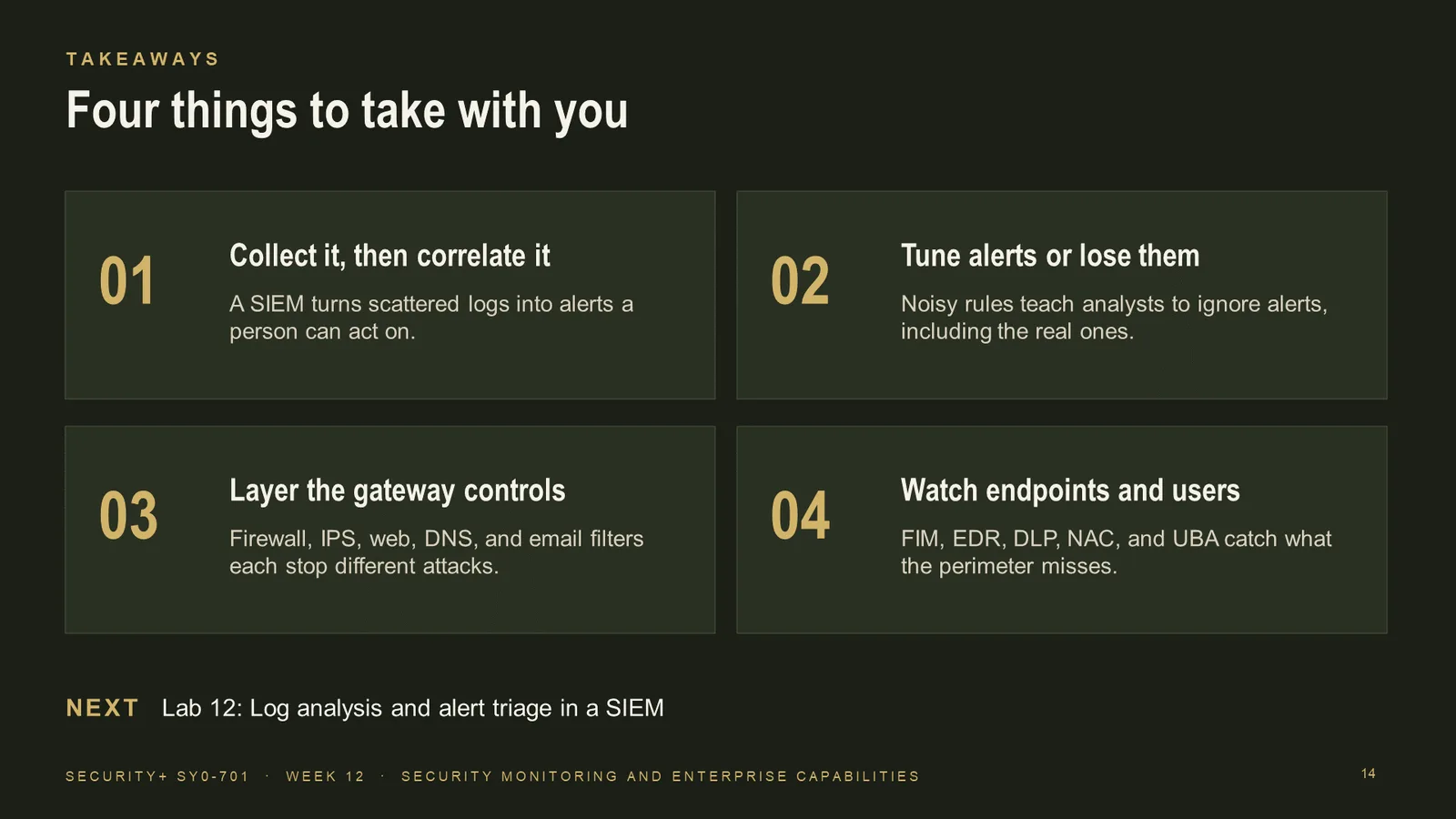
01 Collect it, then correlate it
A SIEM turns scattered logs into alerts a person can act on.
02 Tune alerts or lose them
Noisy rules teach analysts to ignore alerts, including the real ones.
03 Layer the gateway controls
Firewall, IPS, web, DNS, and email filters each stop different attacks.
04 Watch endpoints and users
FIM, EDR, DLP, NAC, and UBA catch what the perimeter misses.
Week 12 interactive lab
Click each log line that belongs to the active intrusion chain.
Use the free Wazuh virtual machine (OVA) from wazuh.com with your Ubuntu and Windows lab VMs as agents, or a free Elastic trial. If your computer cannot run a SIEM, use the sample auth.log and Windows Security log export your instructor provides. Generate test attacks only against your own lab VMs.
Lab steps · 0 of 8 complete (0%)
A short triage report: screenshots of the events you found, a table of three triaged alerts with your decisions, and one paragraph describing the rule you would tune and why.