
Loading
Warhawk Division is a gaming community. This is a unit document, not a government or military publication.Warhawk Division is an independent gaming community, for entertainment purposes only. It is not affiliated with, sponsored by, or endorsed by Bohemia Interactive, the United States Department of Defense, or any military organization. Arma Reforger is a trademark of its respective owner. Printed from warhawkdivision.com.
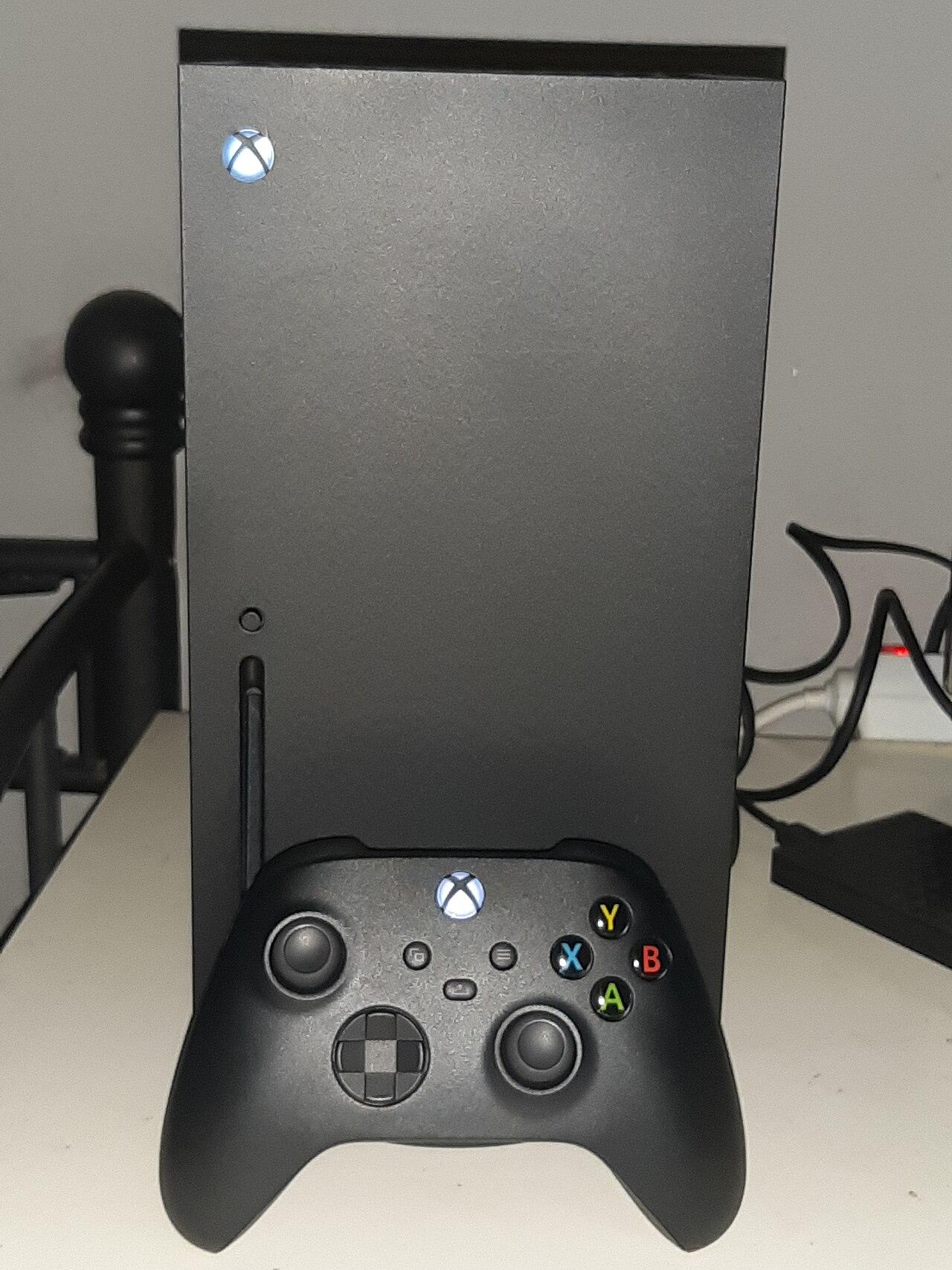
A leaked 209 GB Xbox Series X/S build of Grand Theft Auto VI sparked community attempts to statically recompile the game for Windows PC. Here is what actually booted, why console-to-PC translation is so hard, how Take-Two responded, and the malware risk behind fake PC downloads.
6 min read

"Your PIN is no longer available" means Windows can no longer use the PIN stored on this PC, usually after a change to its security hardware or settings. Your account and files are not gone. Here are Microsoft's own routes back in and how to set a new PIN.
7 min read

A Windows Update stuck at 0%, 100% or any percentage is usually safe to troubleshoot while you can still use Windows. On a restart screen it needs patience. Here are Microsoft's steps in order, and what it says about waiting before you force the power off.
7 min read
Windows Update error 0x800f081f means Windows could not find the source files it needs to install or repair one of its own parts. Your files are not involved. Here is what Microsoft says causes it, the repair that keeps your files, and when to stop.
7 min read

Windows Update error 0x80073712 means the component store, Windows' own stock of the files it is built from, is damaged. Windows still runs, but updates fail until it is repaired. Here are Microsoft's two repair commands, what each one does, and when to stop.
7 min read
Windows Update error 0x80070002 means Windows went looking for a file the update needed and could not find it. It is rarely serious. Here are Microsoft's steps in order, from a restart to clearing the folder of downloaded updates, and the point to stop.
7 min read
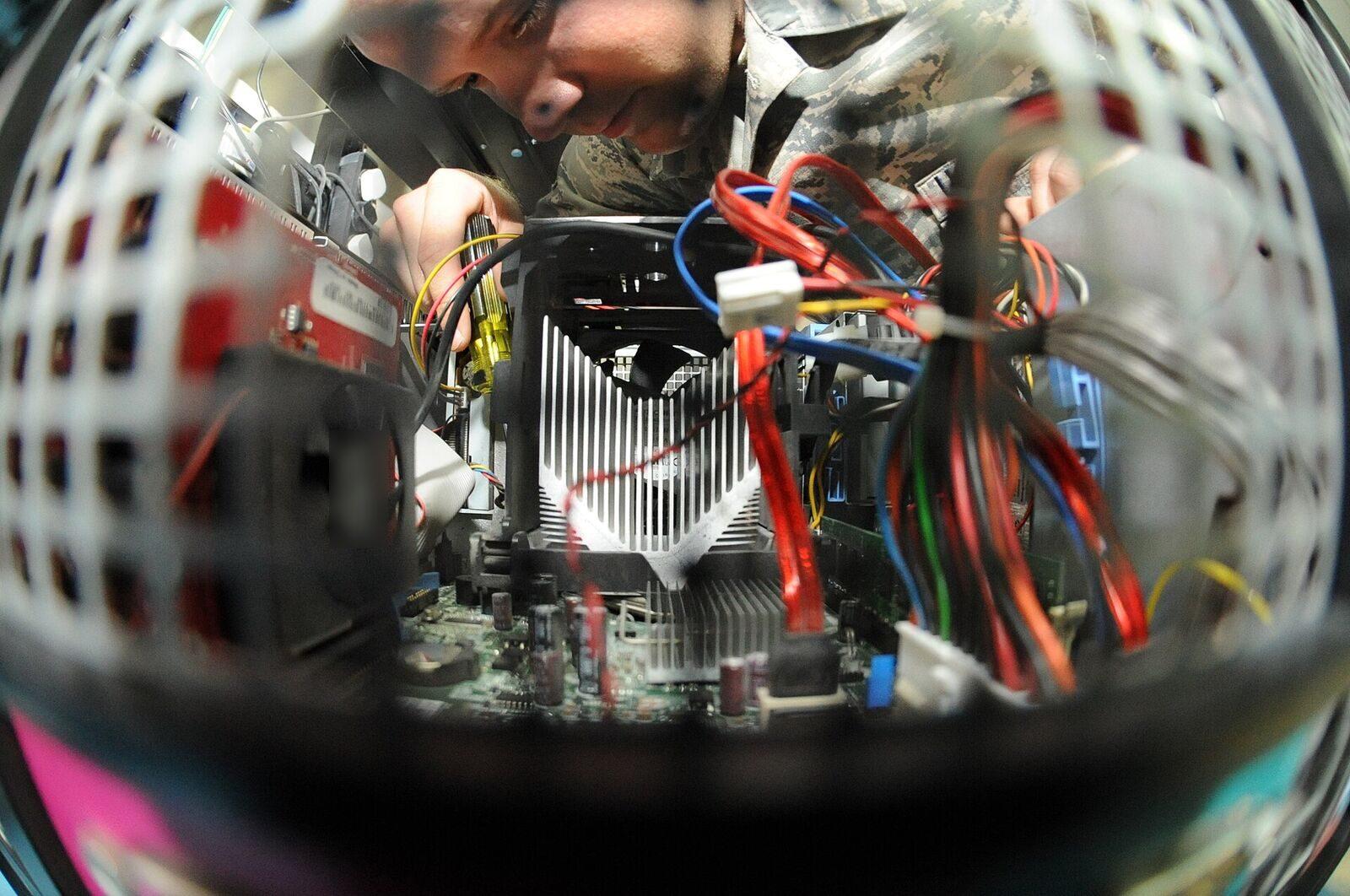
WHEA_UNCORRECTABLE_ERROR means the PC's own hardware reported a fatal fault to Windows. Microsoft says it is typically a physical failure: heat, bad memory or a failing processor. Here is what to check, in a safe order, and when to stop.
7 min read
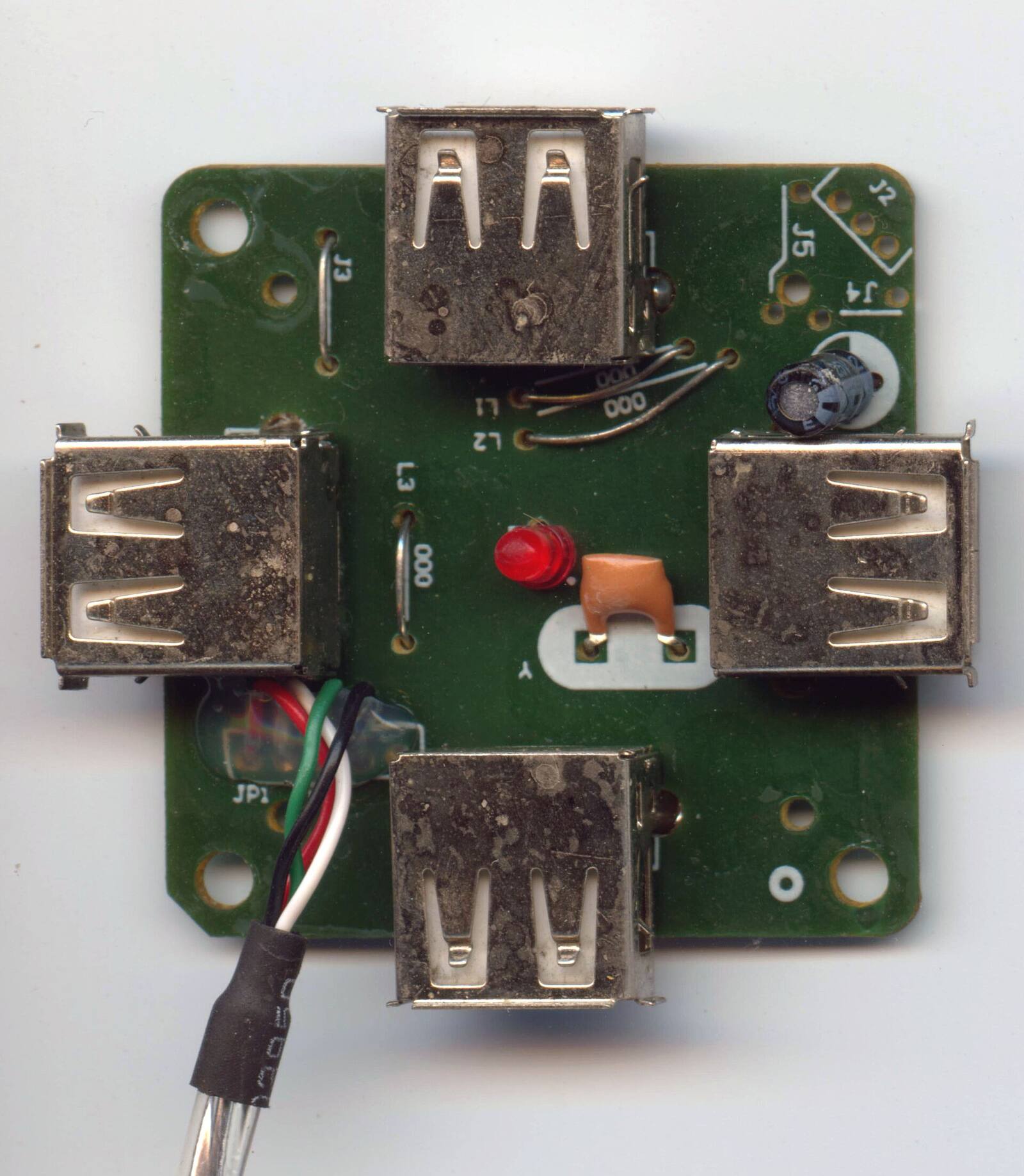
"USB device not recognized" means Windows saw something plugged in but could not work out what it is or how to talk to it. The cause can be the device, the cable, a hub, the port or a driver. Here is how to find which one, in Microsoft's order from safest to most involved.
7 min read

"The User Profile Service failed the sign-in. User profile cannot be loaded" means Windows accepted who you are but could not load your settings and folders. Your files are normally still on the drive. Here are Microsoft's steps, safest first.
7 min read
"The file is too large for the destination file system" almost never means the drive is full. It means the drive is set up as FAT32, which cannot hold a single file over 4 GB. Here is how to check, the safe ways around it, and what to know before you convert or format.
7 min read

"The disk is write protected" means the drive or card is set to read-only: Windows can open what is on it and cannot save, change or delete anything. Your files are not harmed. Here is where the protection can come from, what to check first, and when the drive is done.
7 min read

"The application was unable to start correctly (0xc000007b)" means Windows refused to load one of the files a program needs, most often because the file is the wrong kind for that program or is damaged. Here are the safe steps, and the downloads to stay away from.
6 min read
"The action can't be completed because the file is open in another program" means a running program is holding the file, so Windows will not let you move, rename or delete it yet. The file is fine. Here is how to find what is holding it and let go safely.
7 min read
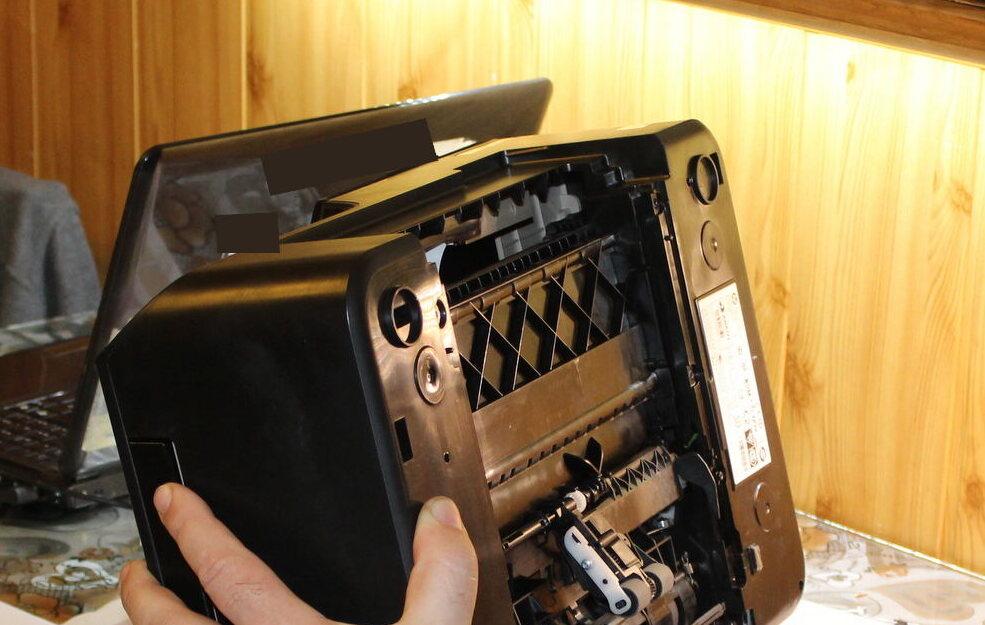
A printer marked "Offline" is one Windows cannot reach right now, and the fix is usually a restart or a cleared queue. Error 0x0000011b appears when you connect to a printer shared by another PC. Here are Microsoft's safe steps for both, and the fix to leave alone.
7 min read

"Preparing Automatic Repair" means Windows failed to start several times and is opening its recovery tools. When it loops, the automatic fix is not working and you have to pick another one. Here are Microsoft's options in order, from the ones that keep your files to the ones that can remove them.
7 min read
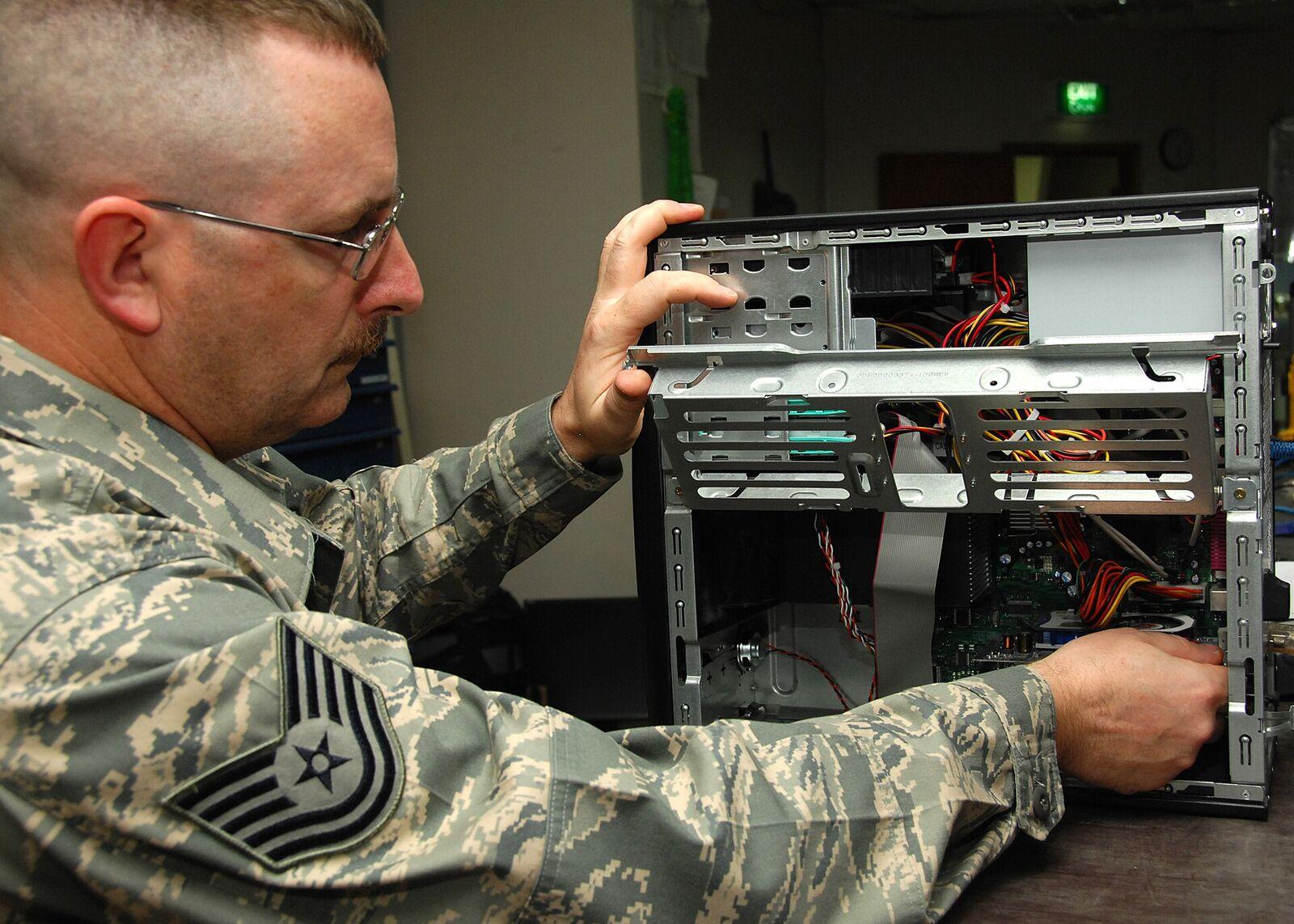
PAGE_FAULT_IN_NONPAGED_AREA means something inside Windows asked for memory that was not valid, and Windows stopped to prevent damage. Microsoft lists four kinds of cause: a driver or service, antivirus software, a damaged disk, or failing memory. Here is how to check each.
7 min read
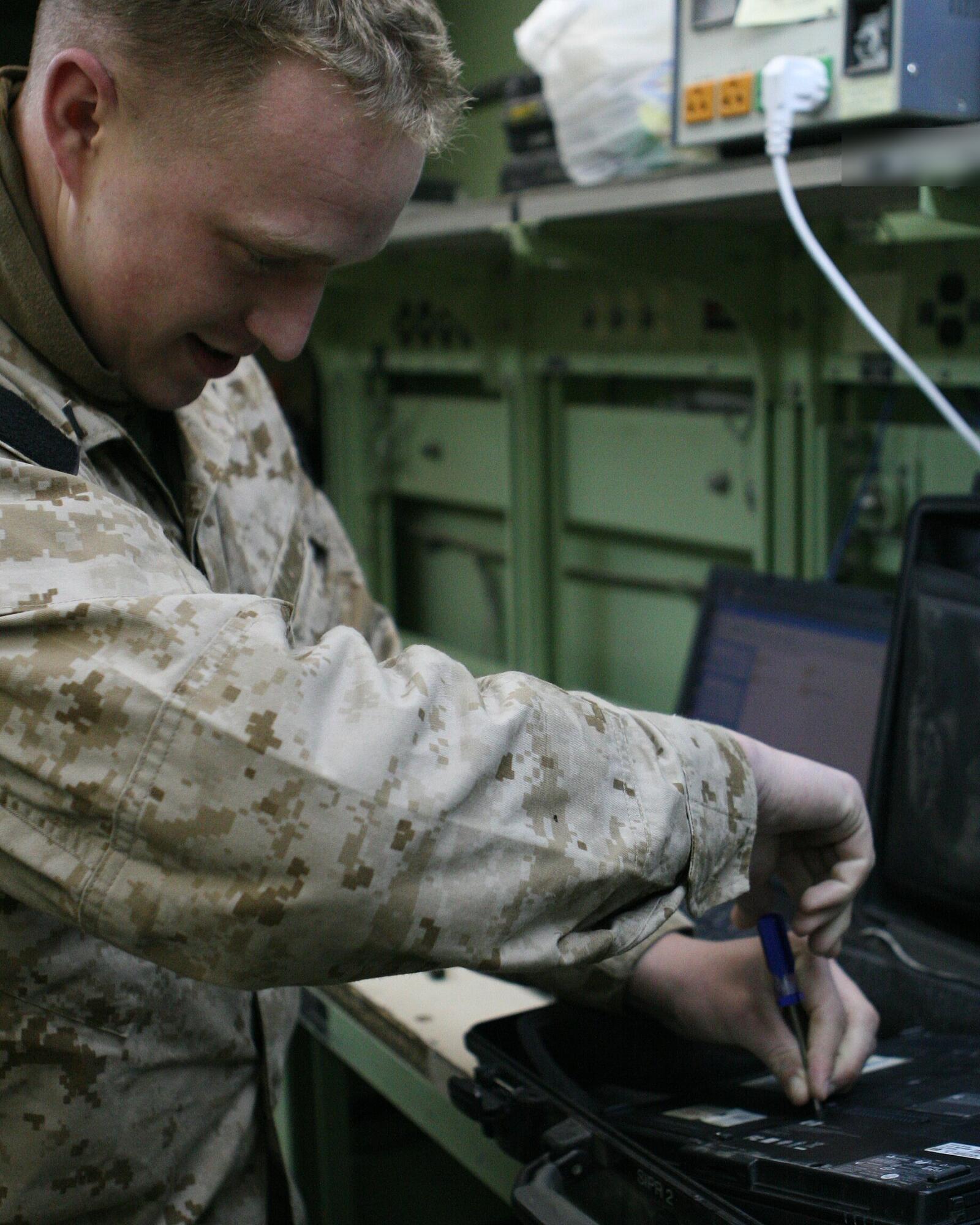
"No bootable device" and "Boot device not found" come from the PC's firmware, not from Windows: it looked for a drive to start from and found none. Here is what that means, the safe checks to make first, and how to tell a stray USB stick from a failed drive.
7 min read
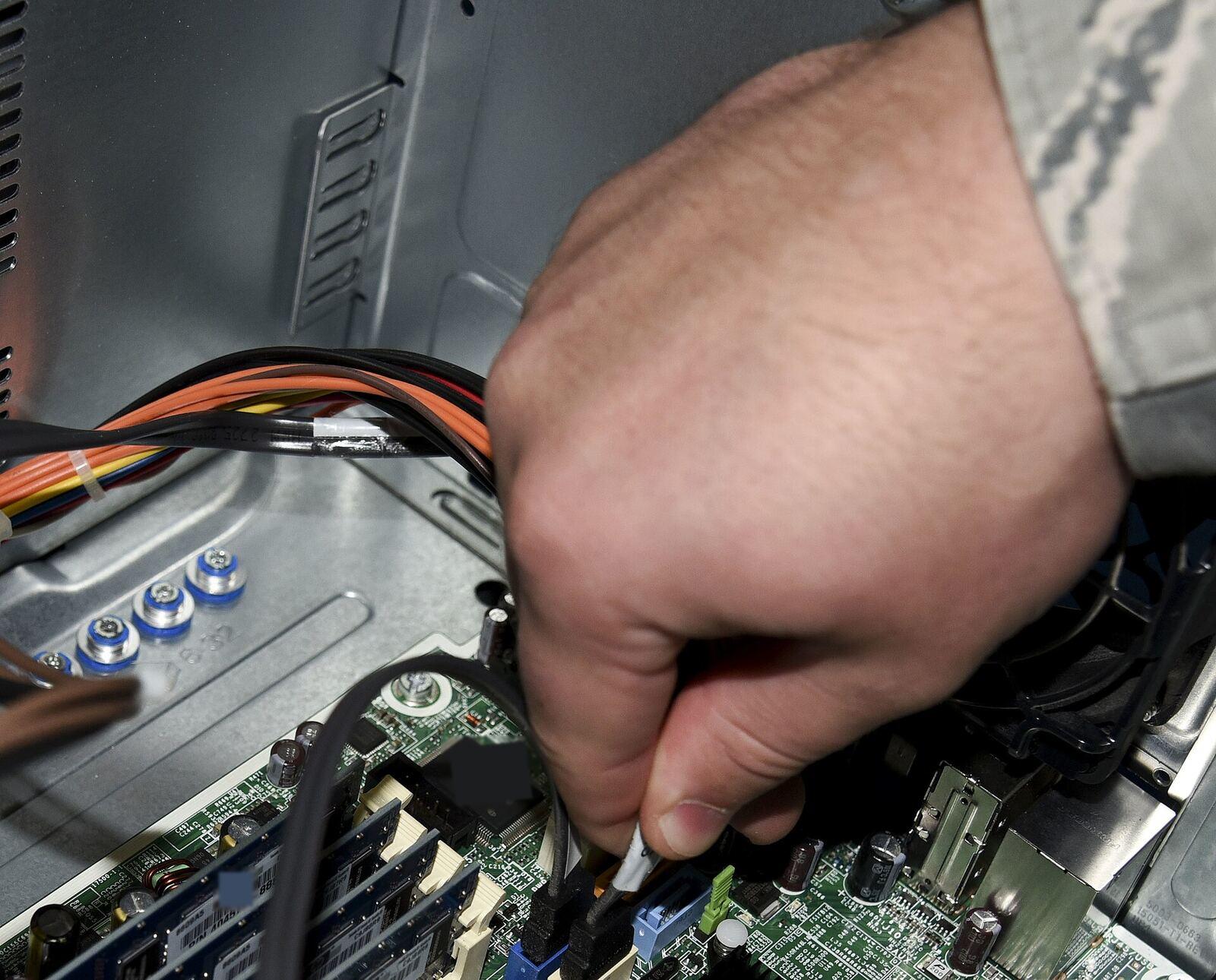
MEMORY_MANAGEMENT means Windows found its own records of the PC's memory damaged and stopped to prevent harm. The cause can be a faulty driver or a failing memory module. Here is how to tell which, using Microsoft's built-in memory test and its steps in order.
7 min read
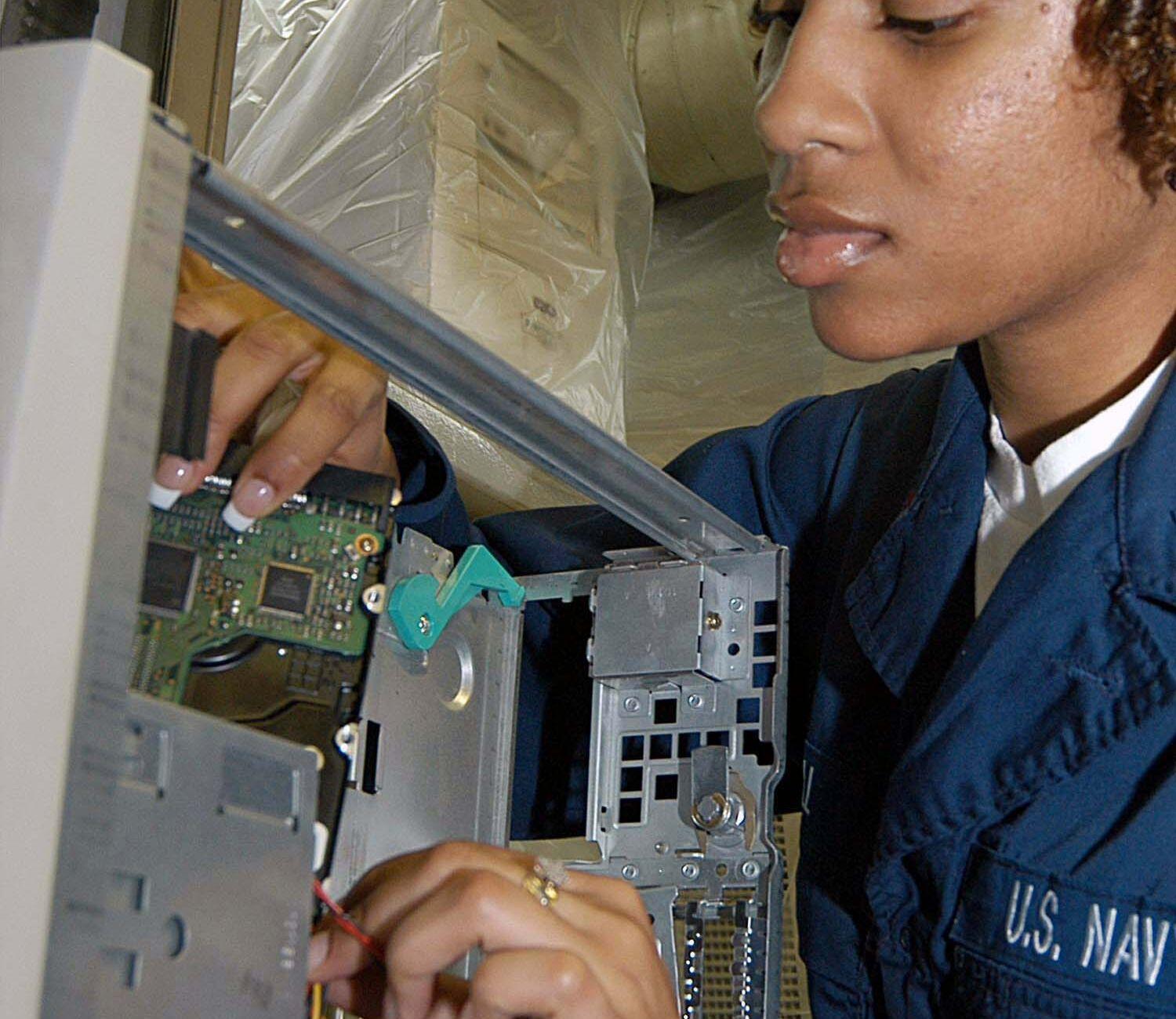
KERNEL_SECURITY_CHECK_FAILURE means Windows found damage in one of its own internal records and stopped before the damage could spread. The usual cause is a faulty driver. Here is what the code says, what changed, and Microsoft's steps in a safe order.
7 min read
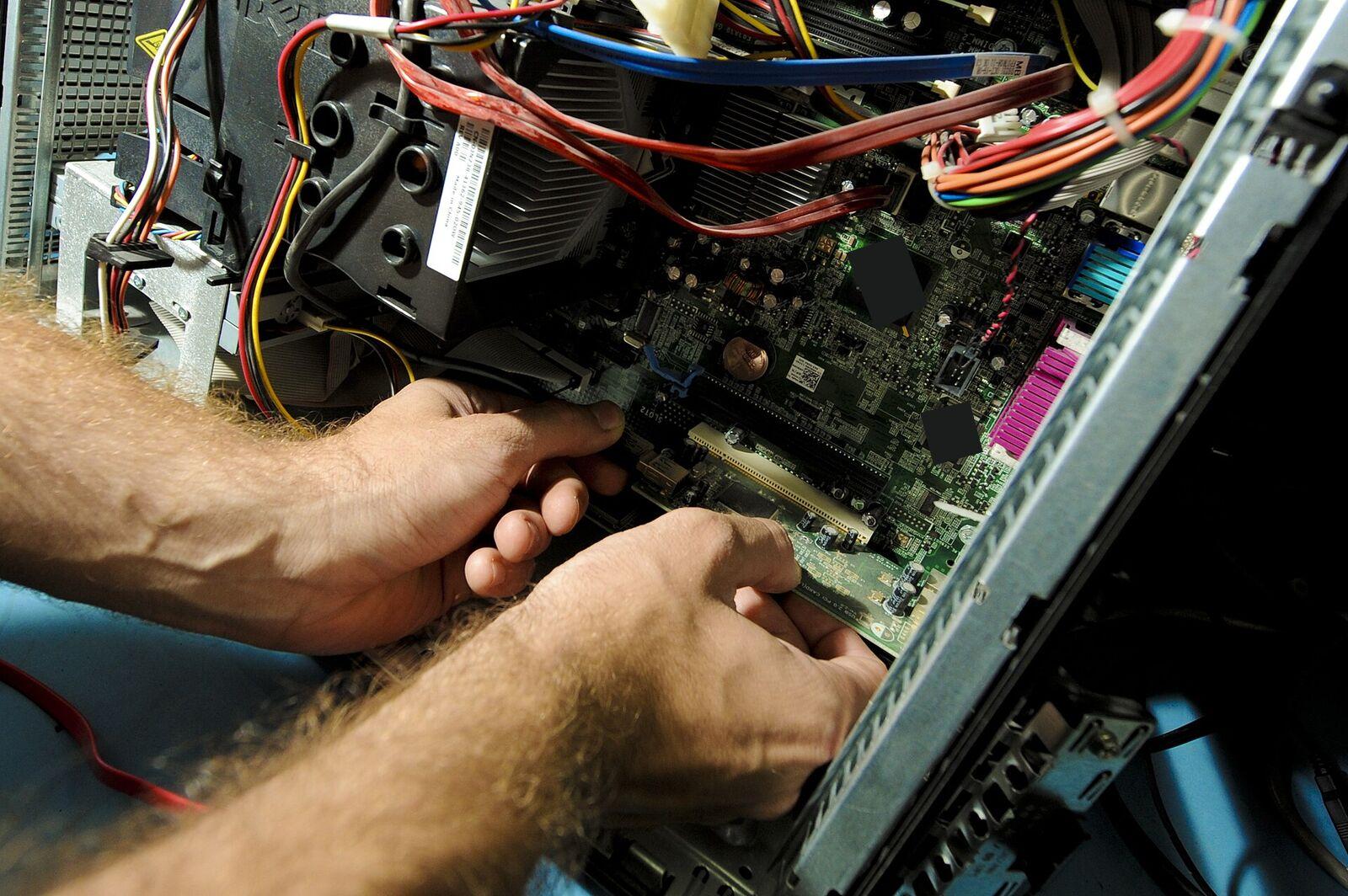
IRQL_NOT_LESS_OR_EQUAL means Windows or a driver reached for memory at an address it had no right to use, and Windows stopped to prevent damage. Microsoft says a faulty driver is the usual cause. Here is what changed to look for, and its steps in order.
7 min read
INACCESSIBLE_BOOT_DEVICE means Windows began to start and then lost contact with the drive it starts from. The cause can be a changed setting, a bad update, damaged files or a failing drive. Here are Microsoft's steps in a safe order, and when to stop.
7 min read
Error 0x80070057, "The parameter is incorrect", means one part of Windows handed another a value it would not accept. It shows up in Windows Update, Windows upgrades and Microsoft Edge setup, and each has its own safe steps. Here they are, with the point to stop.
7 min read
Error 0x80004005, "Unspecified error", means something in Windows failed and did not say why. The code alone tells you nothing, so the fix depends on what you were doing. Here are the safe first steps for the five cases Microsoft documents.
7 min read
DPC_WATCHDOG_VIOLATION means a driver took far too long over a job that should take a fraction of a second, so a timer inside Windows stopped the PC. Here is what the watchdog is, why a driver is the usual cause, and Microsoft's steps in a safe order.
7 min read
A leaked 209 GB Xbox Series X/S build of Grand Theft Auto VI sparked community attempts to statically recompile the game for Windows PC. Here is what actually booted, why console-to-PC translation is so hard, how Take-Two responded, and the malware risk behind fake PC downloads.
6 min read
"Your PIN is no longer available" means Windows can no longer use the PIN stored on this PC, usually after a change to its security hardware or settings. Your account and files are not gone. Here are Microsoft's own routes back in and how to set a new PIN.
7 min read
A Windows Update stuck at 0%, 100% or any percentage is usually safe to troubleshoot while you can still use Windows. On a restart screen it needs patience. Here are Microsoft's steps in order, and what it says about waiting before you force the power off.
7 min read
Windows Update error 0x800f081f means Windows could not find the source files it needs to install or repair one of its own parts. Your files are not involved. Here is what Microsoft says causes it, the repair that keeps your files, and when to stop.
7 min read
Windows Update error 0x80073712 means the component store, Windows' own stock of the files it is built from, is damaged. Windows still runs, but updates fail until it is repaired. Here are Microsoft's two repair commands, what each one does, and when to stop.
7 min read
Windows Update error 0x80070002 means Windows went looking for a file the update needed and could not find it. It is rarely serious. Here are Microsoft's steps in order, from a restart to clearing the folder of downloaded updates, and the point to stop.
7 min read
WHEA_UNCORRECTABLE_ERROR means the PC's own hardware reported a fatal fault to Windows. Microsoft says it is typically a physical failure: heat, bad memory or a failing processor. Here is what to check, in a safe order, and when to stop.
7 min read
"USB device not recognized" means Windows saw something plugged in but could not work out what it is or how to talk to it. The cause can be the device, the cable, a hub, the port or a driver. Here is how to find which one, in Microsoft's order from safest to most involved.
7 min read
"The User Profile Service failed the sign-in. User profile cannot be loaded" means Windows accepted who you are but could not load your settings and folders. Your files are normally still on the drive. Here are Microsoft's steps, safest first.
7 min read
"The file is too large for the destination file system" almost never means the drive is full. It means the drive is set up as FAT32, which cannot hold a single file over 4 GB. Here is how to check, the safe ways around it, and what to know before you convert or format.
7 min read
"The disk is write protected" means the drive or card is set to read-only: Windows can open what is on it and cannot save, change or delete anything. Your files are not harmed. Here is where the protection can come from, what to check first, and when the drive is done.
7 min read
"The application was unable to start correctly (0xc000007b)" means Windows refused to load one of the files a program needs, most often because the file is the wrong kind for that program or is damaged. Here are the safe steps, and the downloads to stay away from.
6 min read
"The action can't be completed because the file is open in another program" means a running program is holding the file, so Windows will not let you move, rename or delete it yet. The file is fine. Here is how to find what is holding it and let go safely.
7 min read
A printer marked "Offline" is one Windows cannot reach right now, and the fix is usually a restart or a cleared queue. Error 0x0000011b appears when you connect to a printer shared by another PC. Here are Microsoft's safe steps for both, and the fix to leave alone.
7 min read
"Preparing Automatic Repair" means Windows failed to start several times and is opening its recovery tools. When it loops, the automatic fix is not working and you have to pick another one. Here are Microsoft's options in order, from the ones that keep your files to the ones that can remove them.
7 min read
PAGE_FAULT_IN_NONPAGED_AREA means something inside Windows asked for memory that was not valid, and Windows stopped to prevent damage. Microsoft lists four kinds of cause: a driver or service, antivirus software, a damaged disk, or failing memory. Here is how to check each.
7 min read
"No bootable device" and "Boot device not found" come from the PC's firmware, not from Windows: it looked for a drive to start from and found none. Here is what that means, the safe checks to make first, and how to tell a stray USB stick from a failed drive.
7 min read
MEMORY_MANAGEMENT means Windows found its own records of the PC's memory damaged and stopped to prevent harm. The cause can be a faulty driver or a failing memory module. Here is how to tell which, using Microsoft's built-in memory test and its steps in order.
7 min read
KERNEL_SECURITY_CHECK_FAILURE means Windows found damage in one of its own internal records and stopped before the damage could spread. The usual cause is a faulty driver. Here is what the code says, what changed, and Microsoft's steps in a safe order.
7 min read
IRQL_NOT_LESS_OR_EQUAL means Windows or a driver reached for memory at an address it had no right to use, and Windows stopped to prevent damage. Microsoft says a faulty driver is the usual cause. Here is what changed to look for, and its steps in order.
7 min read
INACCESSIBLE_BOOT_DEVICE means Windows began to start and then lost contact with the drive it starts from. The cause can be a changed setting, a bad update, damaged files or a failing drive. Here are Microsoft's steps in a safe order, and when to stop.
7 min read
Error 0x80070057, "The parameter is incorrect", means one part of Windows handed another a value it would not accept. It shows up in Windows Update, Windows upgrades and Microsoft Edge setup, and each has its own safe steps. Here they are, with the point to stop.
7 min read
Error 0x80004005, "Unspecified error", means something in Windows failed and did not say why. The code alone tells you nothing, so the fix depends on what you were doing. Here are the safe first steps for the five cases Microsoft documents.
7 min read
DPC_WATCHDOG_VIOLATION means a driver took far too long over a job that should take a fraction of a second, so a timer inside Windows stopped the PC. Here is what the watchdog is, why a driver is the usual cause, and Microsoft's steps in a safe order.
7 min read
Disk at 100% in Task Manager means the drive has more work than it can keep up with. It is often an update, a scan or indexing that will finish, but it can also be the first sign of a failing drive. Back up first, then work through Microsoft's steps from safest to last.
7 min read
CRITICAL_PROCESS_DIED means one of the few programs Windows cannot run without has stopped, so Windows halted to protect itself. One crash is rarely serious. Here is what Microsoft says causes it and its steps, safest first.
7 min read
Antimalware Service Executable is Microsoft Defender Antivirus, the protection built into Windows. High CPU use is normal while it scans and should settle. Here is how to tell normal from stuck, and what to adjust without turning your protection off.
7 min read

The "Activate Windows" watermark means this copy of Windows has not been activated with a valid license. Error 0xC004F074 means the PC looked for an organization's activation server and could not reach one. Here is how to check, and the genuine ways to activate.
7 min read
Error 0xC1900101 means a Windows upgrade failed partway and the PC went back to the version it had before. Microsoft says the cause is usually a driver. Here is how to read the two-part code and work through Microsoft's steps, safest first.
7 min read
Error 0xc000000e stops Windows before it loads. Microsoft's code list gives its meaning as a device that does not exist: the startup list points at a drive Windows cannot find. Here are the safe checks, the repair Microsoft provides, and when it is hardware.
7 min read
"You need permission to perform this action" means Windows checked who is allowed to change a file or folder and your account was not on the list. It is a protection doing its job. Here is what the check looks at, the safe things to try, and when to stop.
7 min read
"VCRUNTIME140.dll was not found" means a program cannot find a shared Microsoft file it needs to start. The safe fix is to repair or reinstall the program, then install the Visual C++ Redistributable from Microsoft's own page. Never download the DLL by itself.
7 min read
"This PC can't run Windows 11" means the computer failed Microsoft's hardware check, often over TPM 2.0 or Secure Boot. Some failures are a setting you can turn on and some cannot be fixed. Here is how to tell which, and what the end of Windows 10 support leaves you.
8 min read
"No internet, secured" means your PC has joined the Wi-Fi network but cannot reach the internet through it. Here is how Windows decides that, how to tell whether the fault is your PC, your router or your provider, and Microsoft's steps in order from safest to last resort.
7 min read
A Windows blue screen means the system stopped itself to prevent damage, and the stop code on it, such as MEMORY_MANAGEMENT, names the kind of problem. Here is how to read the screen, find the code after a restart, and work through Microsoft's steps from safest to last resort.
9 min read
"DNS server isn't responding" and DNS_PROBE_FINISHED_NXDOMAIN both mean your PC could not turn a website's name into an address. Here is what each one tells you, how to find whether the fault is the name, your PC or your network, and the safe steps to try in order.
7 min read
"Access is denied" and error 0x80070005 are the same refusal: Windows would not let an account or a program touch something. What to try depends on where you saw it, so here are the safe steps for Windows Update, Office and files, and the point to stop.
7 min read
A VLAN lets one switch behave like several separate ones, so guests, cameras and the family laptops each get their own network over the same cables. Here is how tags and trunks work, how to plan a split at home, and why a VLAN on its own is not a firewall.
10 min read

TCP checks that every byte arrived, in order. UDP sends and hopes. Here is what ports are, how the three-way handshake works step by step, why a video call and a bank transfer want different things, where QUIC fits, and one safe command that lists your own connections.
11 min read

Three kinds of computer, weighed evenly: what each one is, what it costs, what runs on it, how long it gets updates, how each protects itself and what it reports to its maker, from Microsoft's, Apple's and Ubuntu's own pages as of 15 November 2026. No winner is named.
11 min read

Nearly all internet traffic between continents travels through cables on the seabed that are about as thick as a garden hose. Here is what is inside one, why a glass cable needs electricity, how ships lay and repair them, and how many there are.
10 min read

A phone screen does not feel your finger press. It measures a tiny electrical change on a grid of very fine lines, dozens of times a second. Here is how resistive and capacitive screens differ, how the grid finds several fingers at once, and why gloves and raindrops confuse it.
12 min read
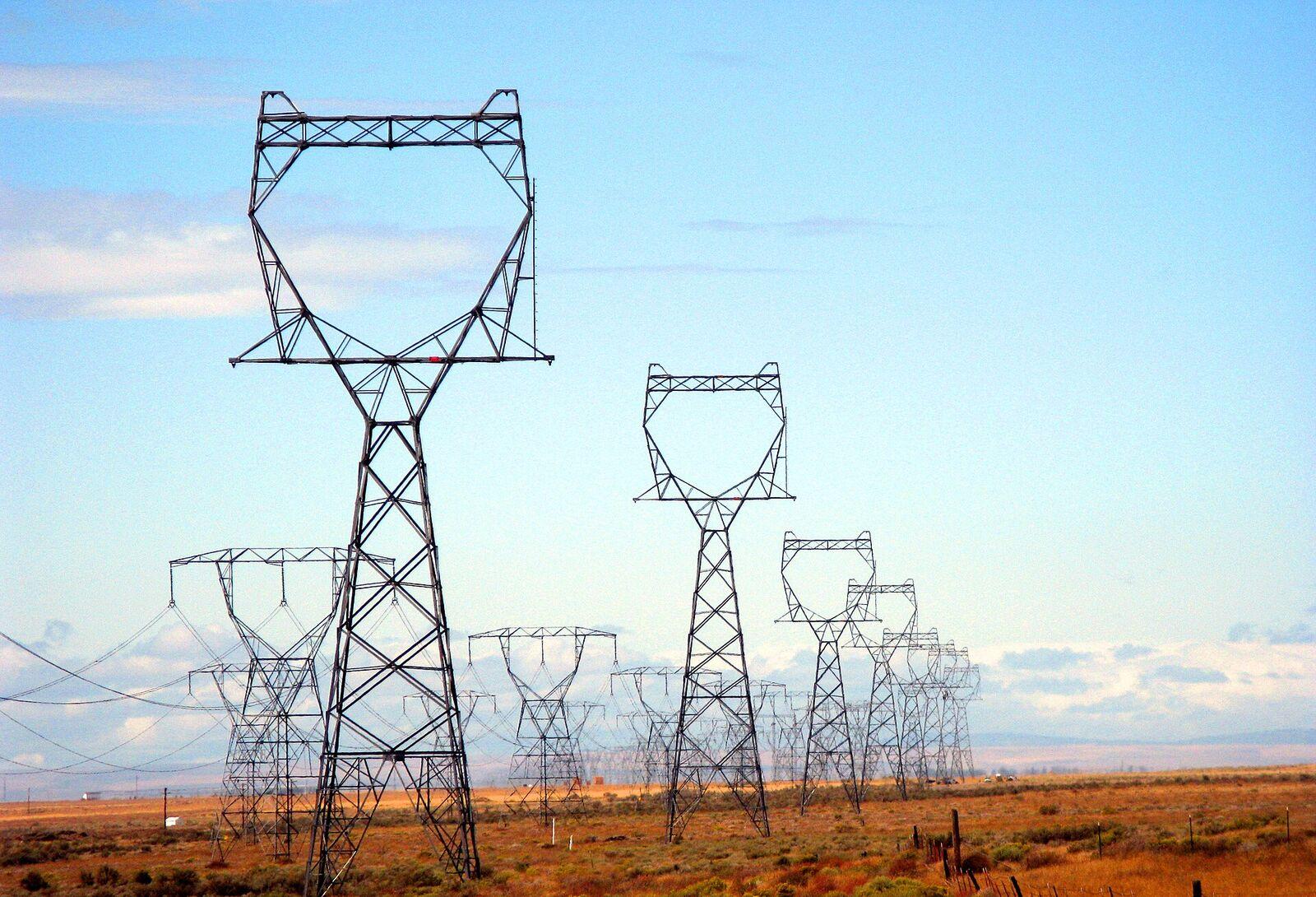
Flip a switch and a power plant you will never see answers within the same second. Here is how electricity is made, raised to high voltage, carried across the country and stepped back down, and why supply has to match demand at every moment.
12 min read
The internet is tens of thousands of separate networks that tell each other which addresses they can reach, and mostly take each other's word for it. Here is how that system, BGP, works, how leaks and hijacks happen, and what RPKI and MANRS do about them.
11 min read
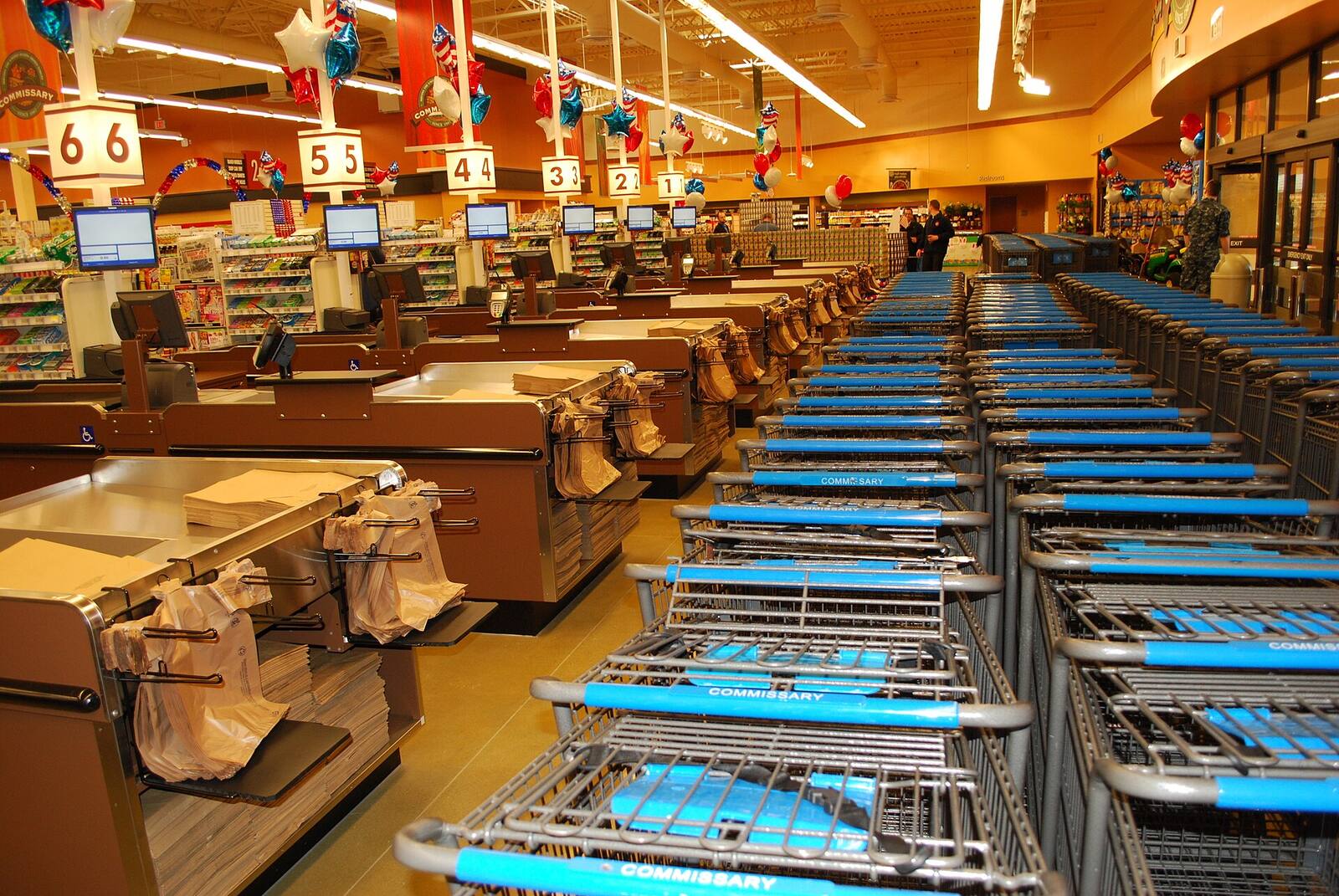
A card payment is two trips: a question and answer that takes seconds, and a movement of money that comes later. Here is who takes part, what the chip and a phone wallet send in place of the old stripe, what a skimmer can and cannot copy, and what the federal rules say.
11 min read

Getting to space is a matter of height. Staying there is a matter of speed, about 17,500 miles per hour sideways. Here is how a rocket makes thrust, why it tips over after liftoff, why it drops stages, and the rocket equation worked through with NASA's own numbers.
10 min read
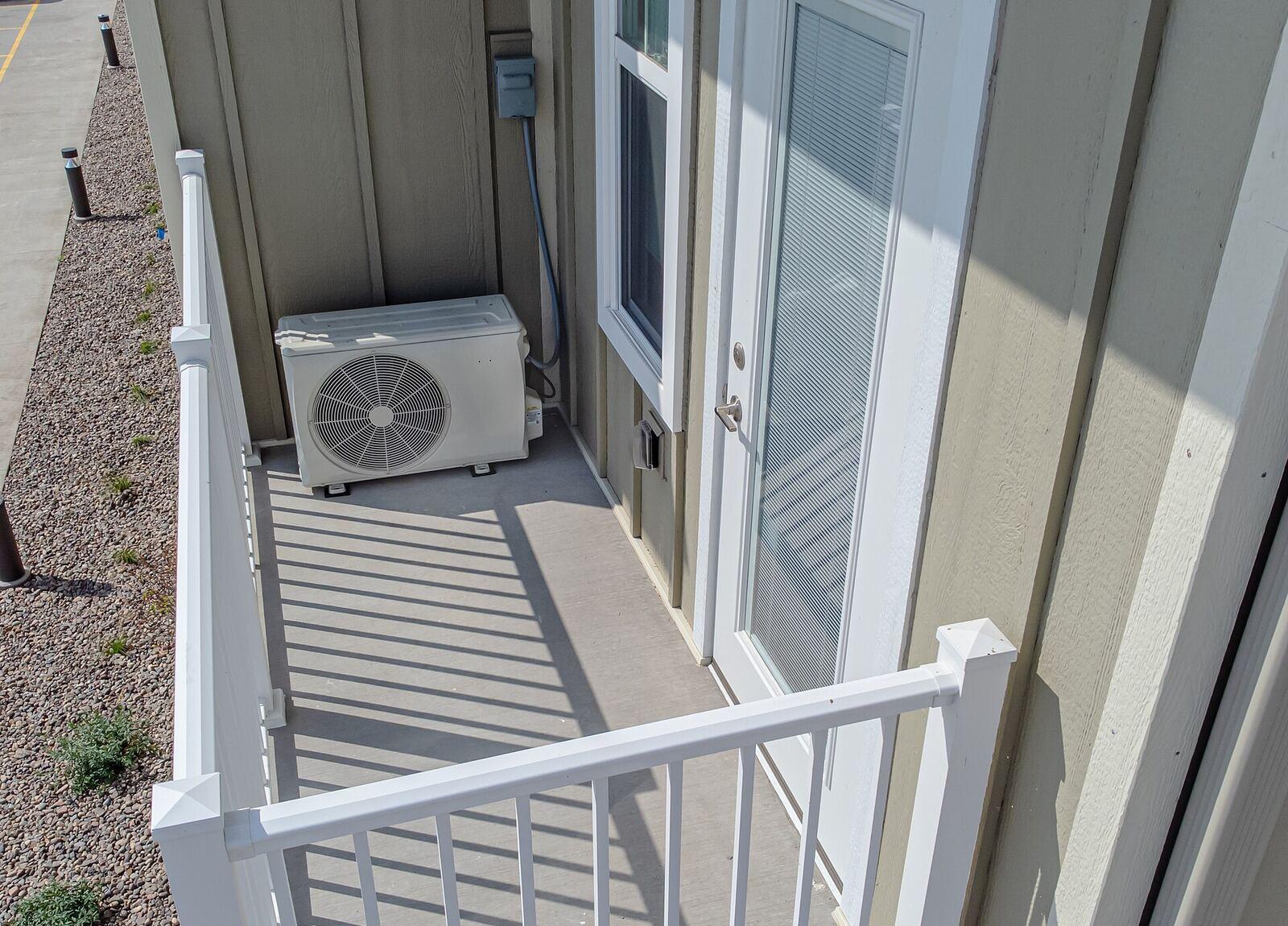
A refrigerator and a heat pump are the same machine pointed in different directions. Here is the four-part loop that moves heat from a cold place to a warm one, what coefficient of performance means with worked numbers, and why a heat pump gives less in deep cold.
12 min read

A microphone hears the noise, a chip flips the wave over, and a speaker plays the copy so the two cancel at your ear. Here is why that works on an engine drone and fails on a slammed door, with the timing worked out in numbers, and what NIOSH and WHO say about hearing.
11 min read
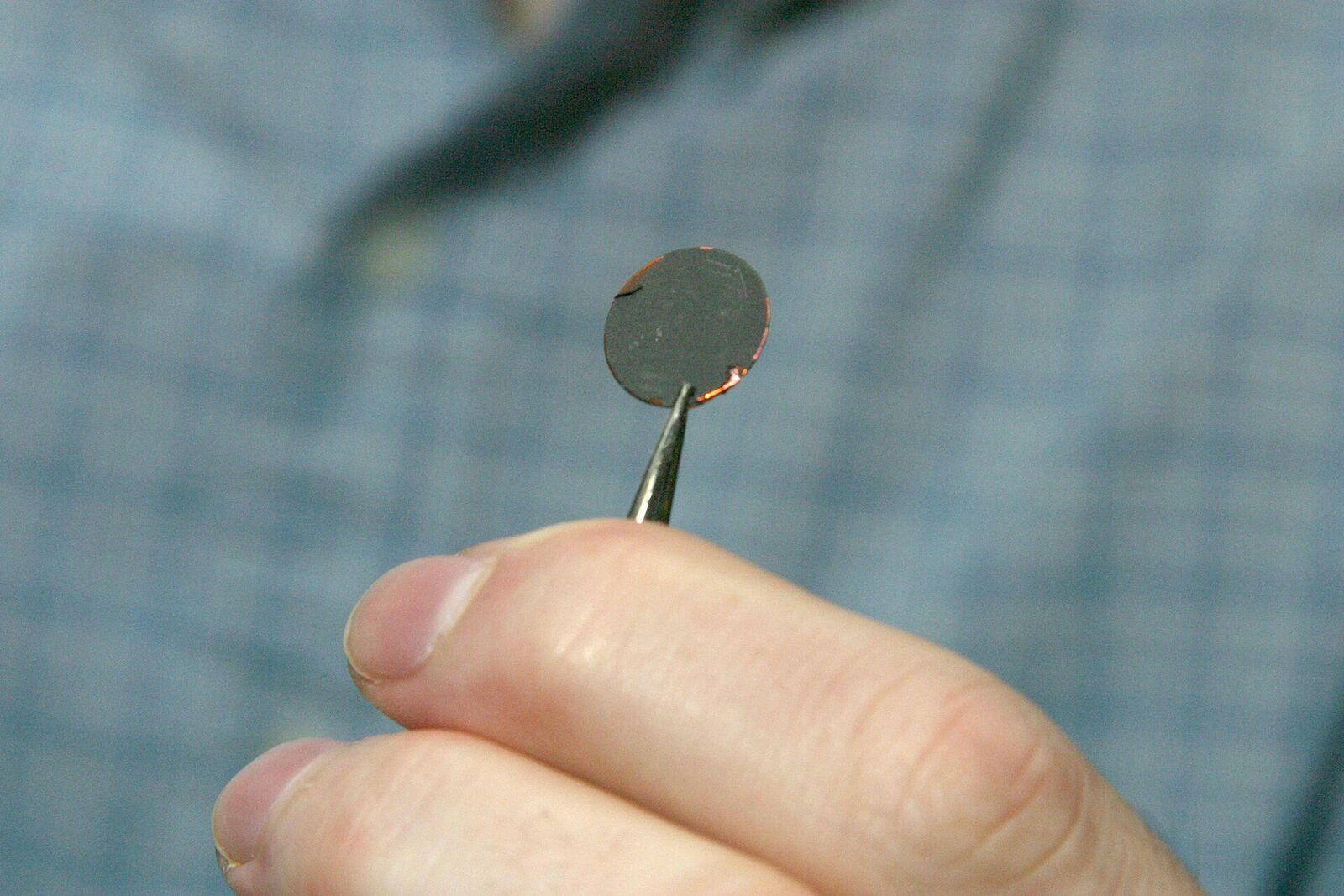
The battery in your phone works by moving lithium ions from one side of a cell to the other and back. Here is what the anode, cathode and electrolyte do, what charging moves, why capacity fades, and what thermal runaway is, from the labs and safety bodies that study it.
12 min read
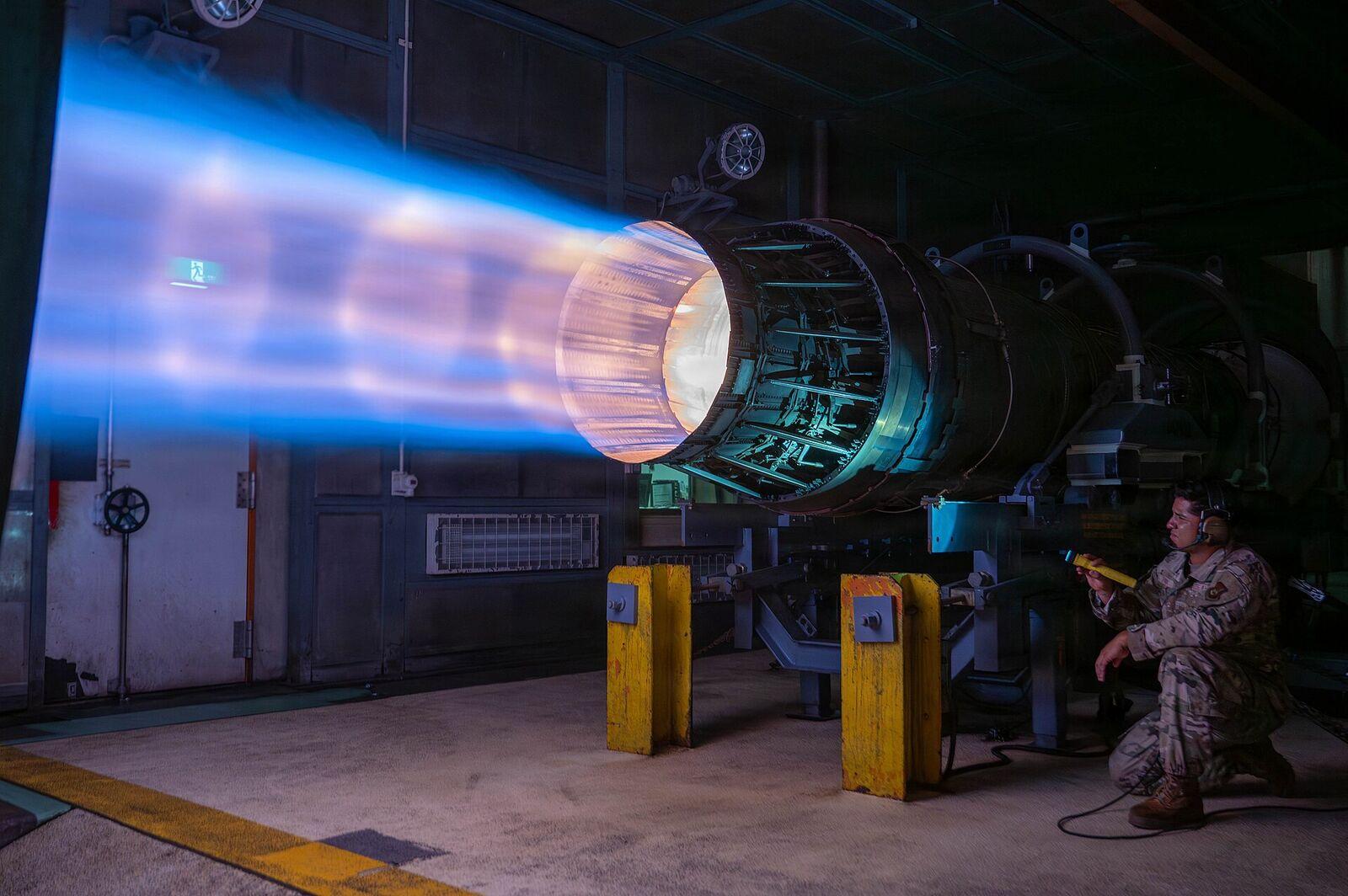
A jet engine does the same four jobs as a car engine, all at once and without stopping. Here is the path of the air from inlet to nozzle, why an airliner's engine is mostly fan, what bypass ratio means, and how turbojets, turbofans and turboprops differ.
10 min read
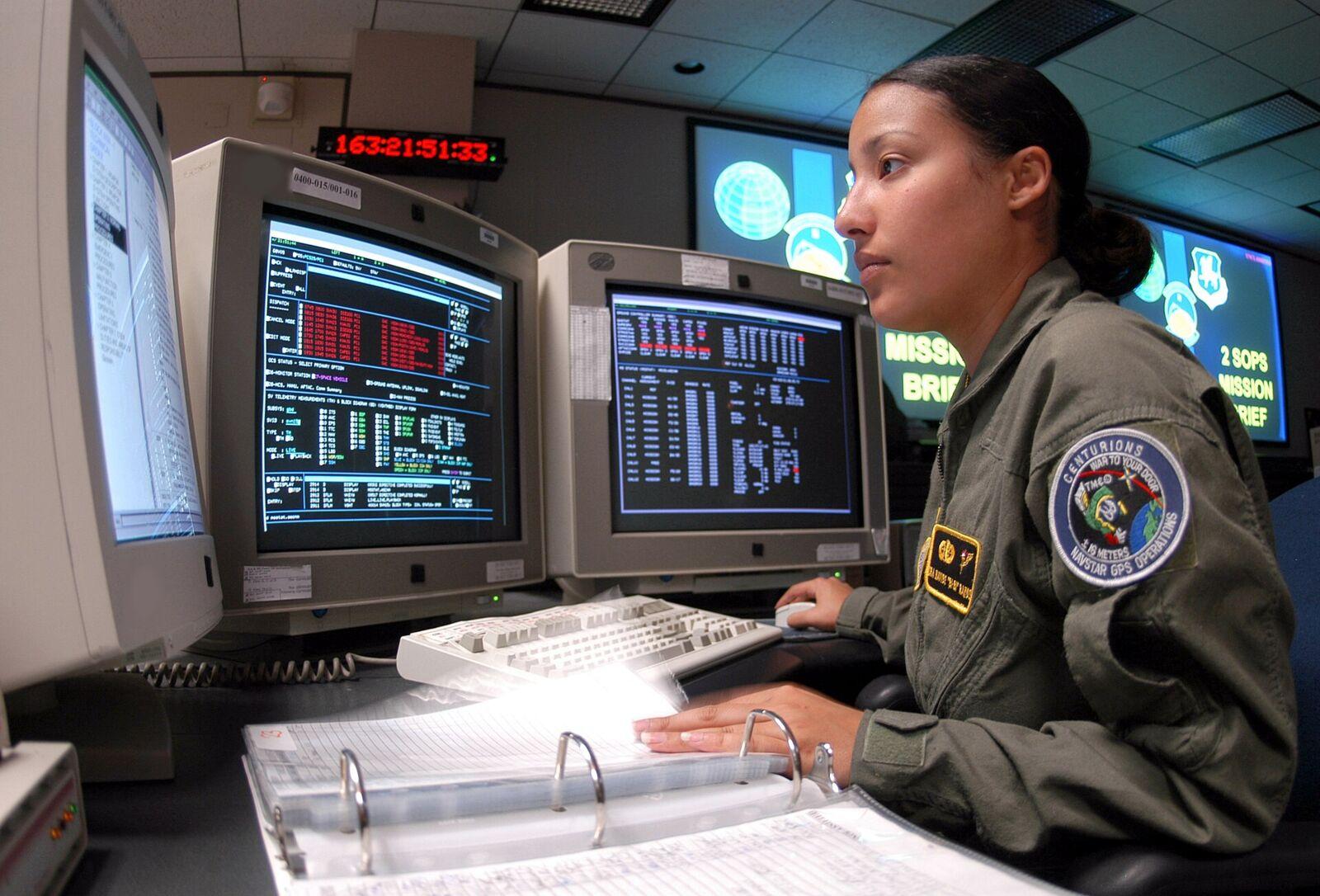
GPS satellites are clocks in orbit that broadcast the time. Your phone measures how long each signal took to arrive, turns time into distance, and needs four satellites to fix its place. Here is the method, the relativity correction, and what limits accuracy.
11 min read
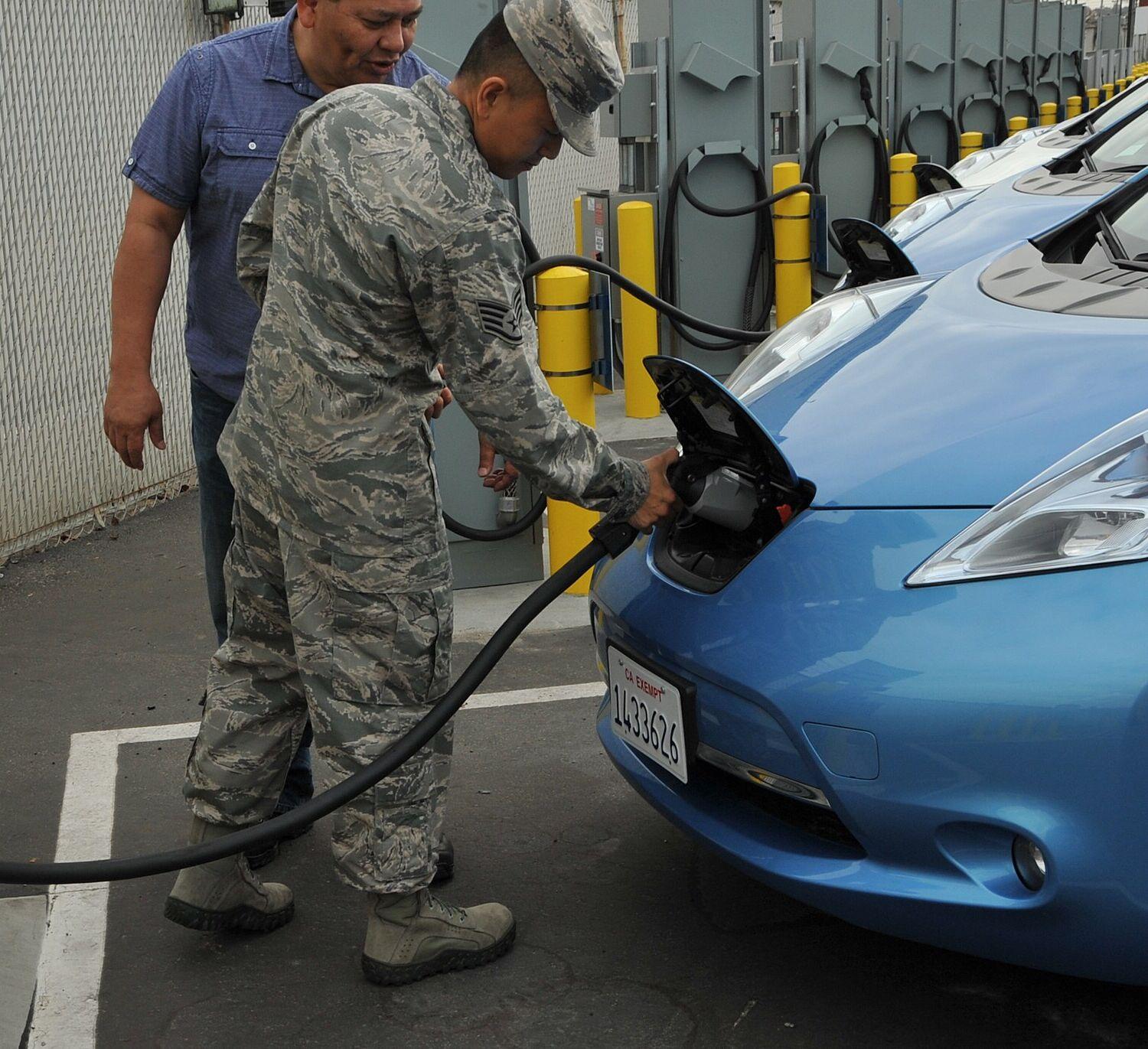
An electric car swaps the engine and fuel tank for a battery, an inverter and a motor. Here is what each part does, how braking puts energy back, how mild, full and plug-in hybrids differ, what the three charging levels mean, and how to read MPGe on a window sticker.
11 min read
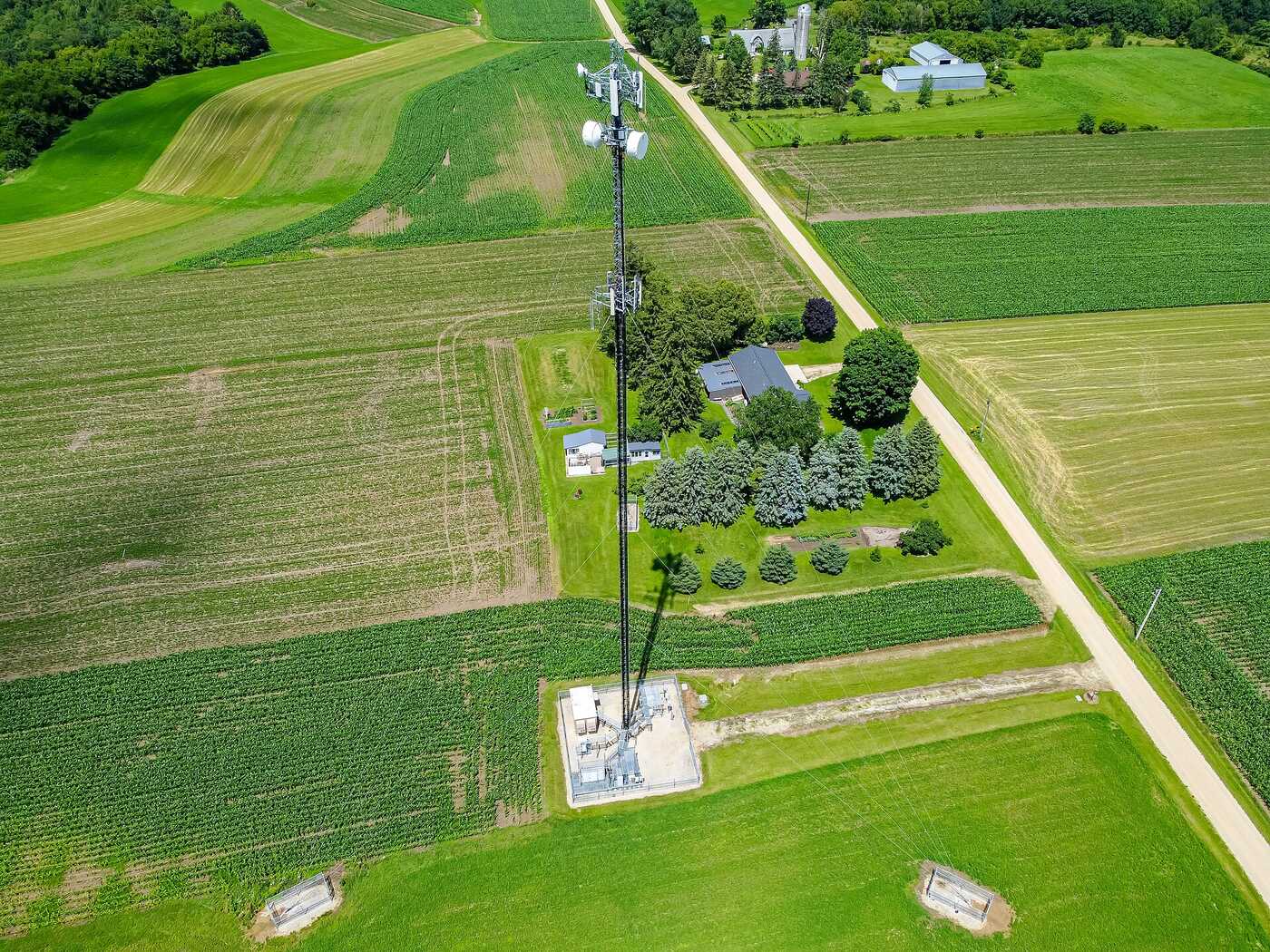
A phone network is thousands of small radio zones that reuse the same channels and pass your call from one tower to the next as you move. Here is how cells, handoffs and frequency bands work, what each generation changed, and why signal bars tell you so little.
11 min read
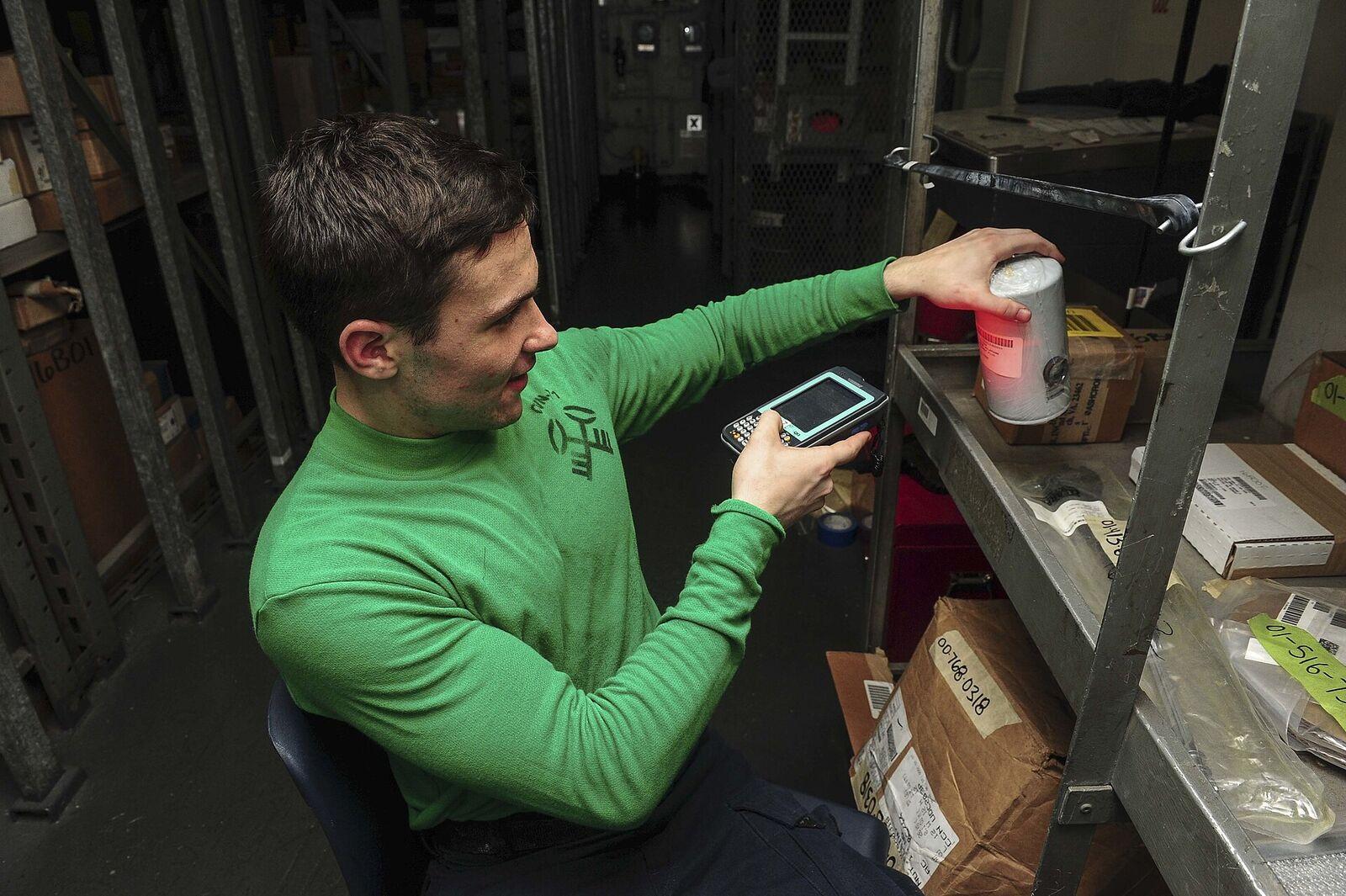
A barcode is a number printed as stripes, and a QR code is a short message printed as a grid. Here is how a scanner reads each one, how the last digit catches a typo, how a torn QR code still works, and why a code is only as safe as the place it sends you.
11 min read

A wing lifts an airplane by turning air downward. Here are the four forces, the textbook explanation of lift that NASA says is wrong, a worked example with the lift equation, what the control surfaces do, and what a stall really is.
11 min read
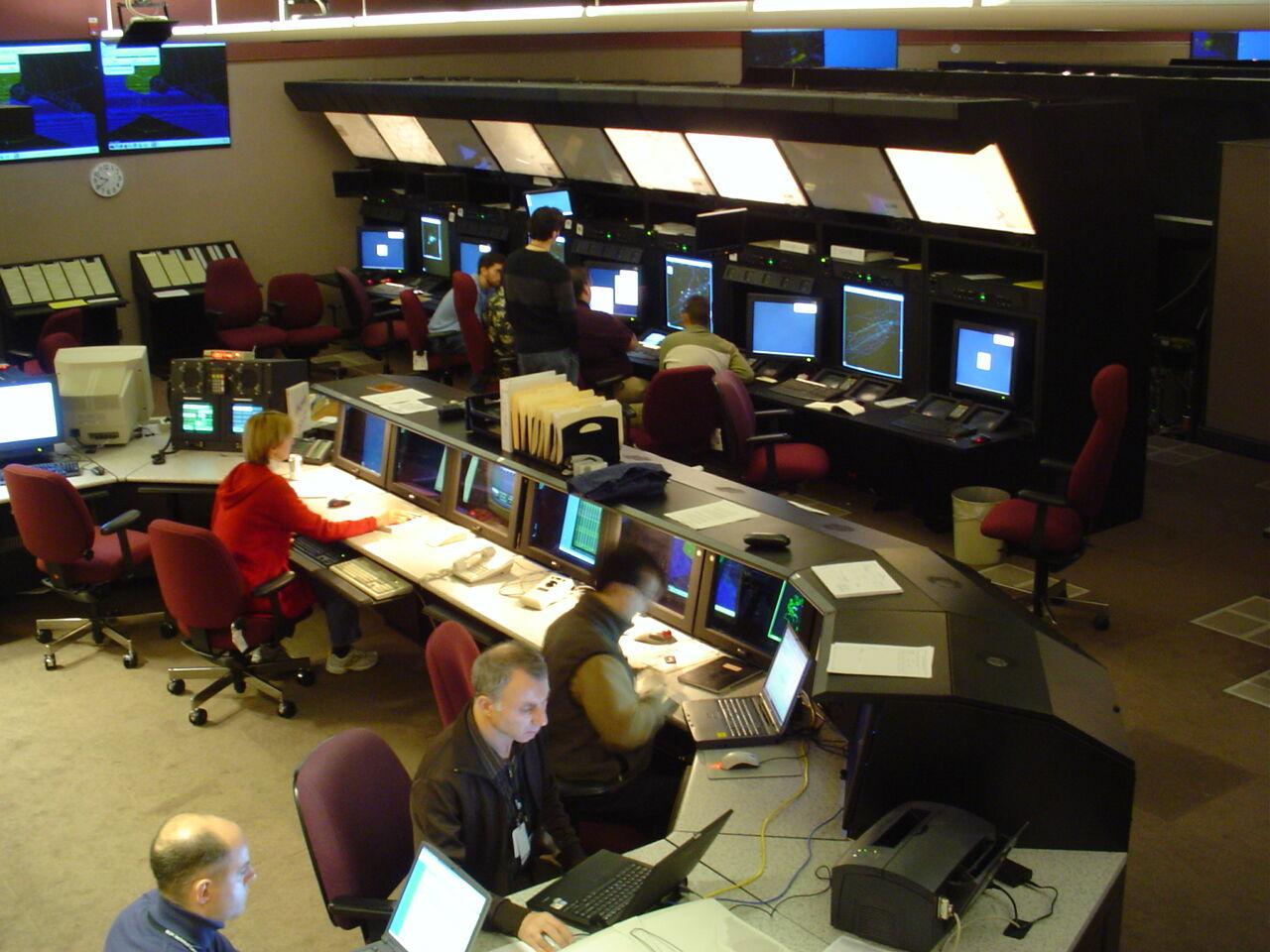
A controller's radar picture and radio voice both arrive over a telecommunications network most travelers never hear about. Here is what it connects, how the FAA buys it, why old copper lines are being replaced, and what government auditors have said about the work.
10 min read
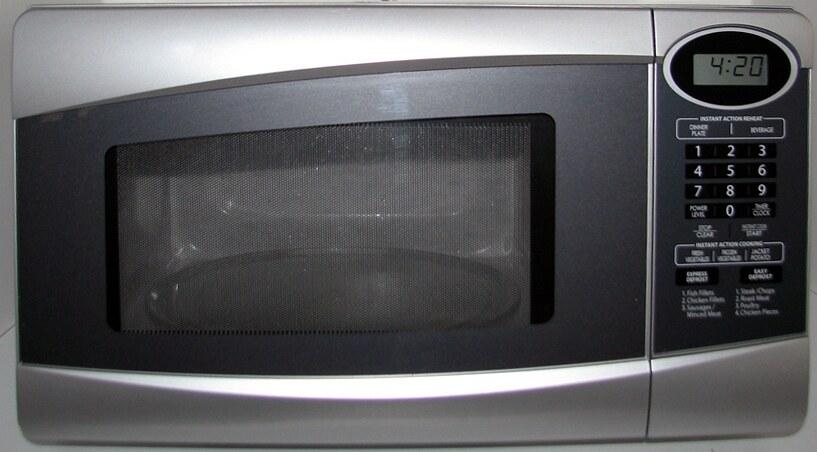
A magnetron makes radio waves at 2.45 GHz, metal walls keep them in, and the water in food turns them into heat. Here is the mechanism step by step, why there are hot spots, what the screen in the door does, and how the FDA answers the common myths.
11 min read
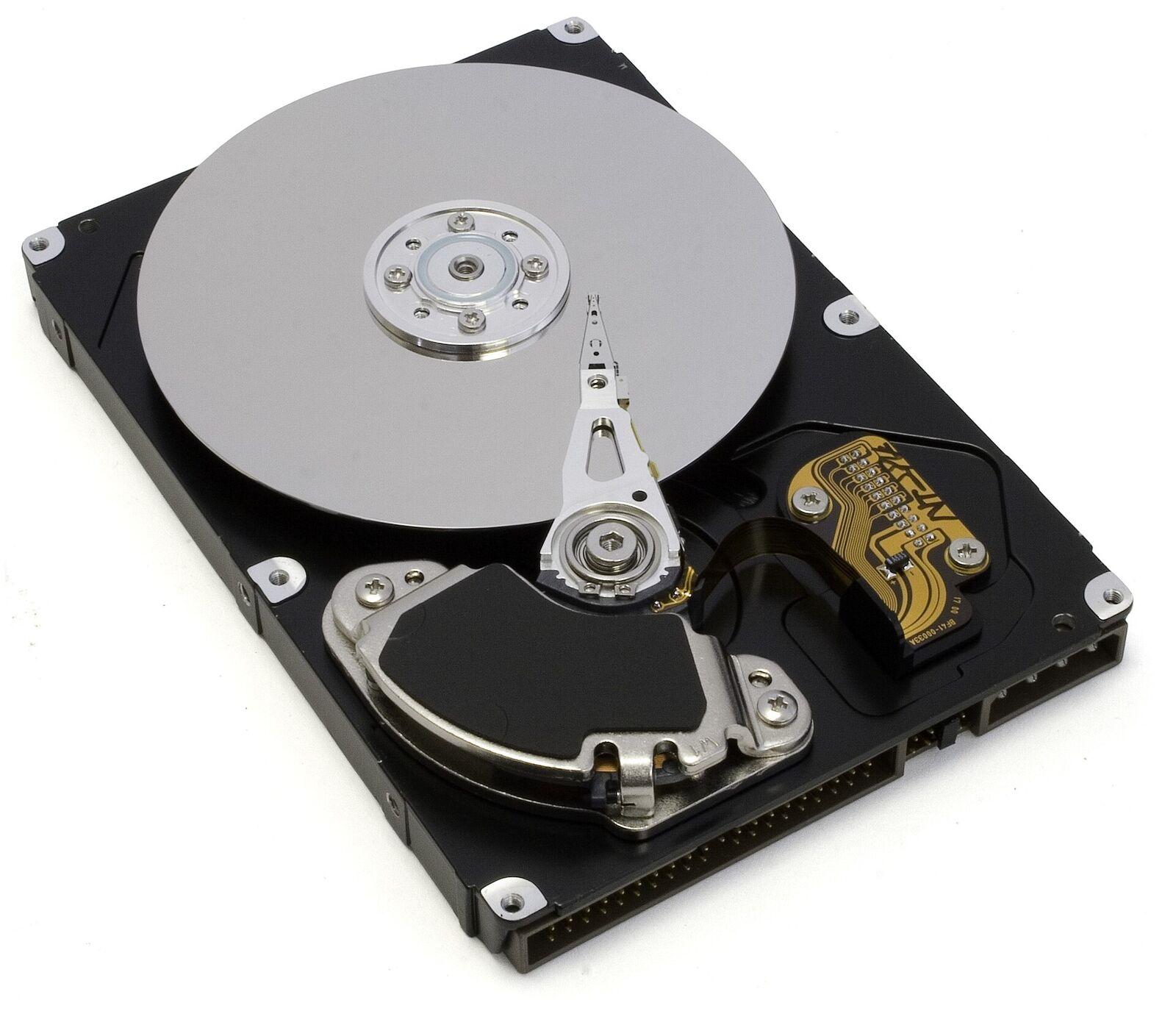
What a Plex server and its apps do, the hardware it needs, why direct play beats transcoding, how to name files, what is free and what is paid as of 15 November 2026, and how to reach it from outside the house without leaving a door open.
12 min read
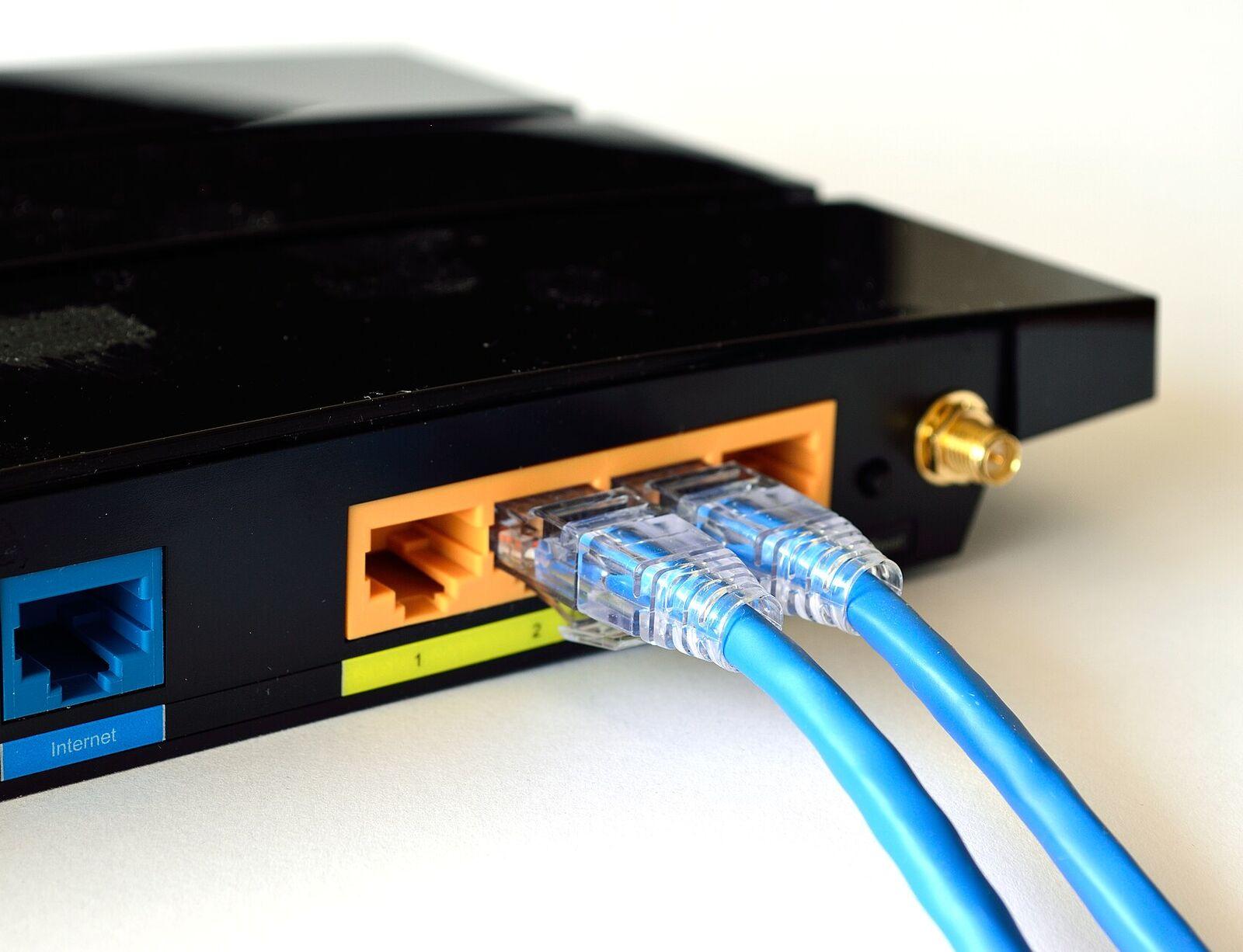
Every time a phone or laptop joins a network, four short messages hand it an address, a mask, a gateway and a DNS server. Here is how DHCP works, what a lease and a reservation are, what a 169.254 address is telling you, and why a second DHCP server is trouble.
12 min read
What to back up, how a file backup, a disk image and sync differ, how to encrypt and test a backup, the recovery media to make first, how to reimage a Windows PC or Mac in order, nine open source tools with their licenses, and a schedule a household can keep.
20 min read
Arq is a paid backup app for Mac and Windows that sends encrypted, versioned copies of your files to storage you choose. Here is what its maker's pages say about how it works, what it costs as of 15 November 2026, its stated limits, and the questions to ask of any backup program.
11 min read
Why the old internet addresses ran out, how to read the long new ones, what losing NAT means for gaming and security, how to check your own connection tonight, and what the measurements and published plans say comes next.
13 min read
One subtraction finds the network, the broadcast address and the usable range for any IPv4 address and mask. Here is the magic number method step by step, with worked examples, the shortcuts that go with it, and the address ranges worth knowing by sight.
9 min read
Facts only
On 5 November 2026 CISA posted a joint list of questions, written with Australia's cyber agency and the NSA, for asking suppliers how ready they are for post-quantum cryptography. Here is how the list is built, what it asks, and what it does not say.
9 min read

The Nyquist-Shannon sampling theorem in plain words: what sampling is, why you need more than twice the highest frequency, aliasing and the wagon wheels on film, why CDs use 44.1 kHz and phones 8 kHz, what it means for cameras, and common misreadings.
10 min read
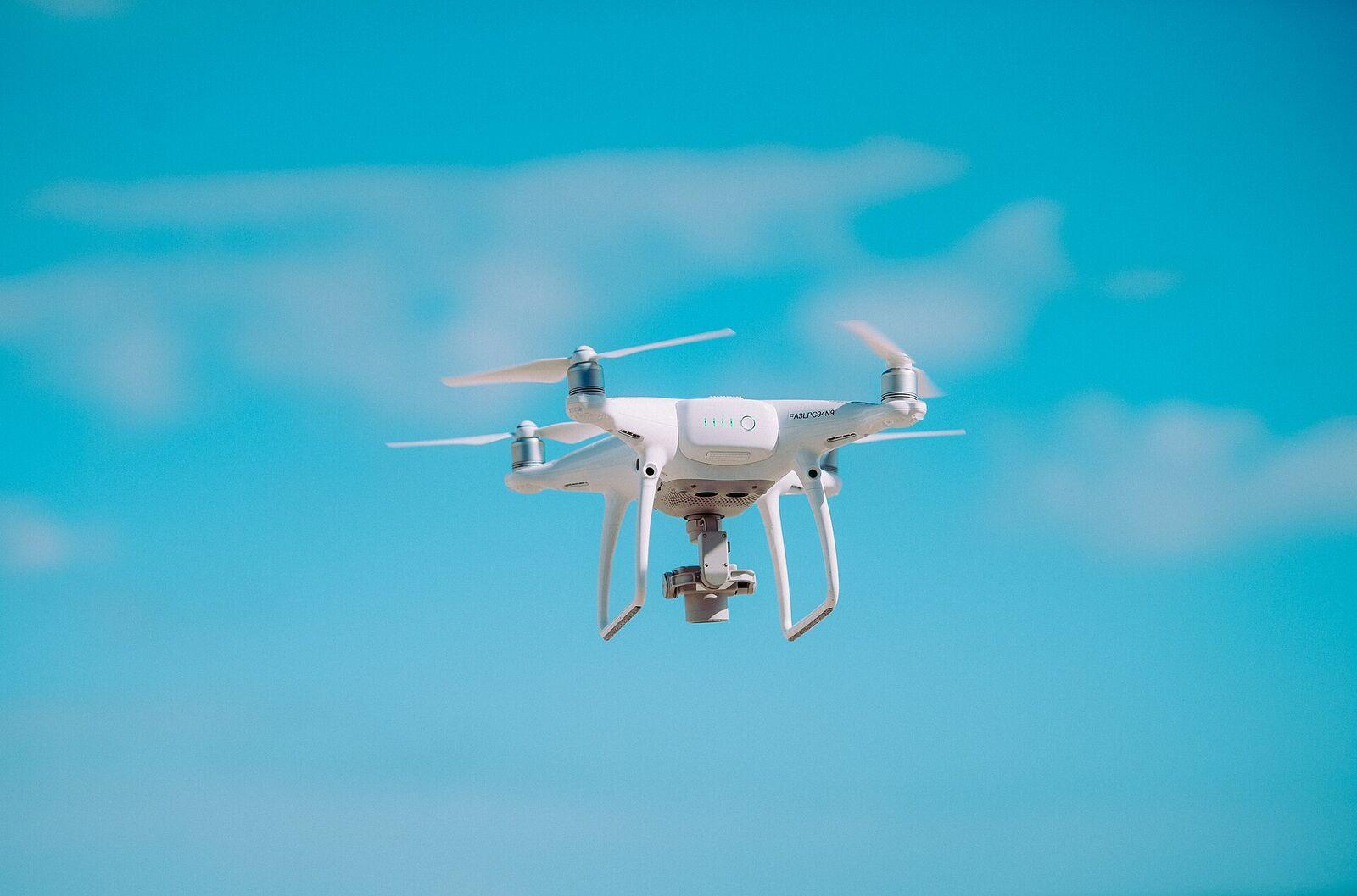
Delivery drones, light shows, farm sprayers and flights the pilot cannot see are arriving faster than the rules for them. What each technology is, where the FAA's Part 108 rule stands in November 2026, and what a hobbyist must do today.
10 min read
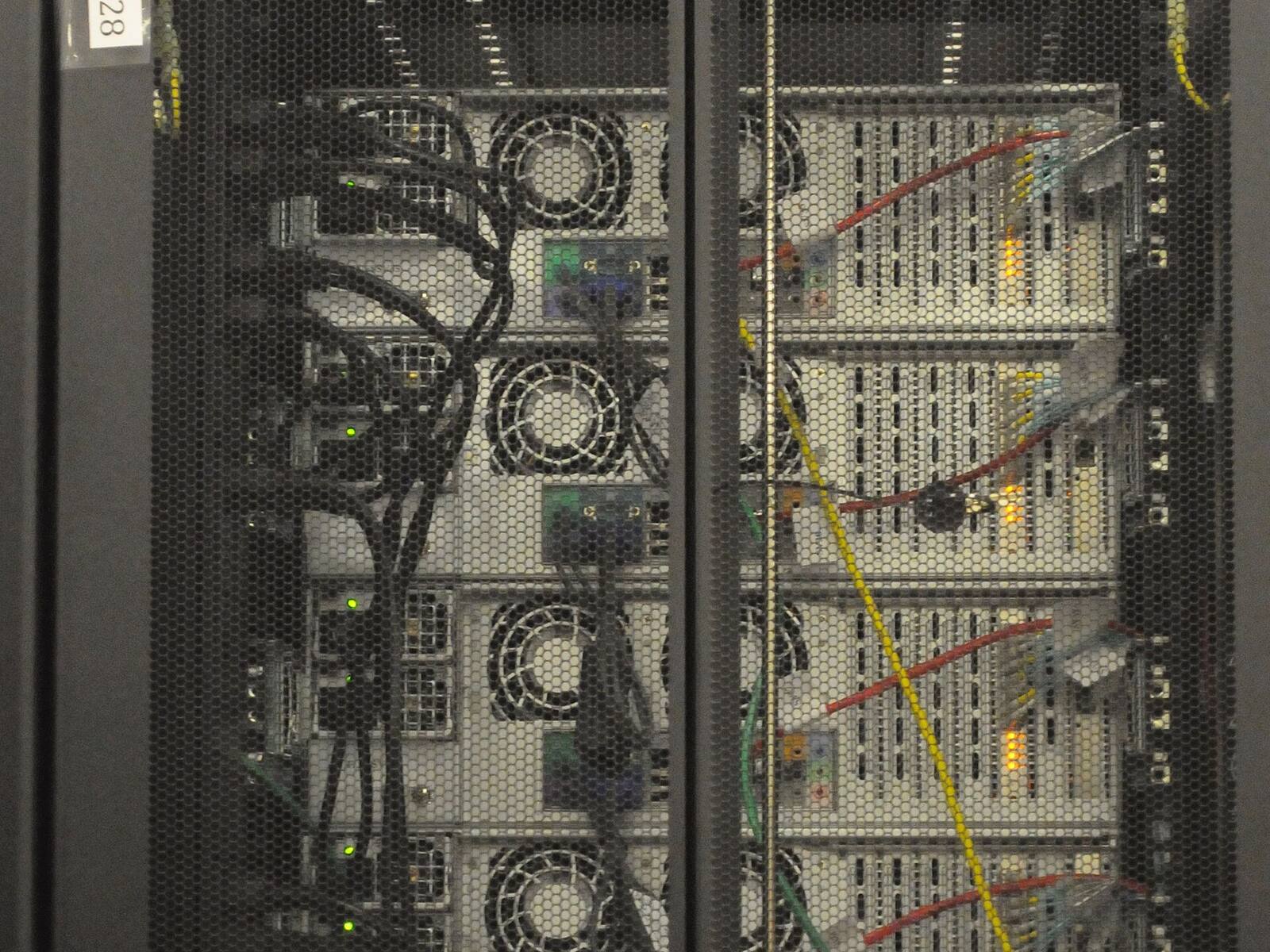
Companies have begun asking to put their servers in ordinary homes. What exists as of 12 November 2026, why anyone would do it, how the money works, and what a homeowner should ask about power, heat, insurance, privacy and the contract.
11 min read

A good laptop is one that fits the job, lasts, and keeps getting security updates. How to read a spec sheet: processor, memory, storage, screen, battery, ports, repair, warranty and support dates, with no model names.
10 min read
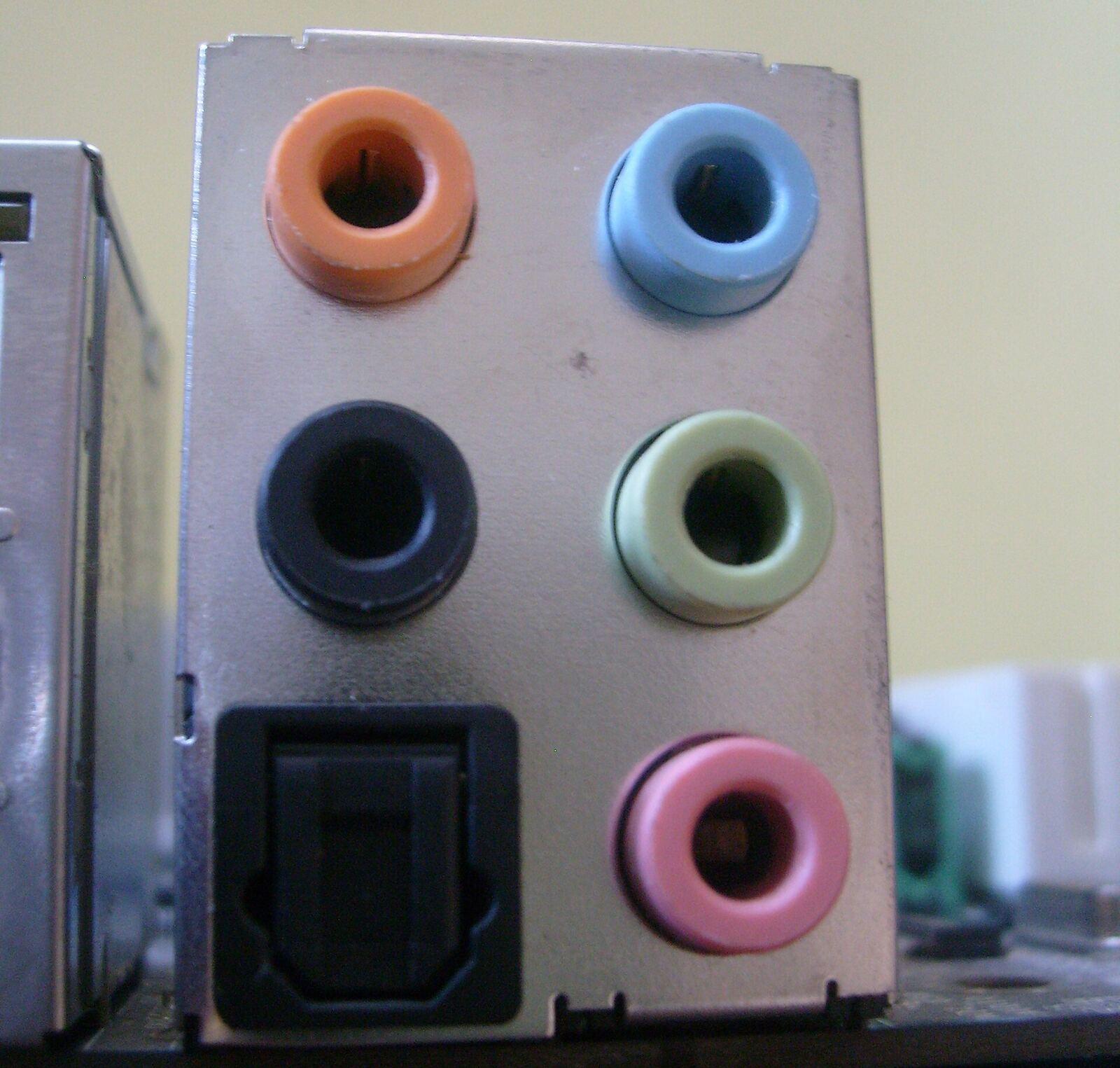
How the square optical audio port works: digital sound as pulses of red light in plastic fiber, what S/PDIF can and cannot carry, why it is immune to hum, how it compares with coaxial, HDMI ARC and eARC, cable care, and when to still use it.
10 min read

What a WAN is, how branch offices used to connect over leased lines and MPLS, what software-defined adds (central policy, several links at once, steering by application), a clinic and a hospital example, security and SASE, and the honest limits.
10 min read

GitHub is where much of the world's software is kept in the open. What the site is, how to read a project page, how to download a release or report a bug without writing code, a first walk-through in the browser, and how to stay safe.
10 min read
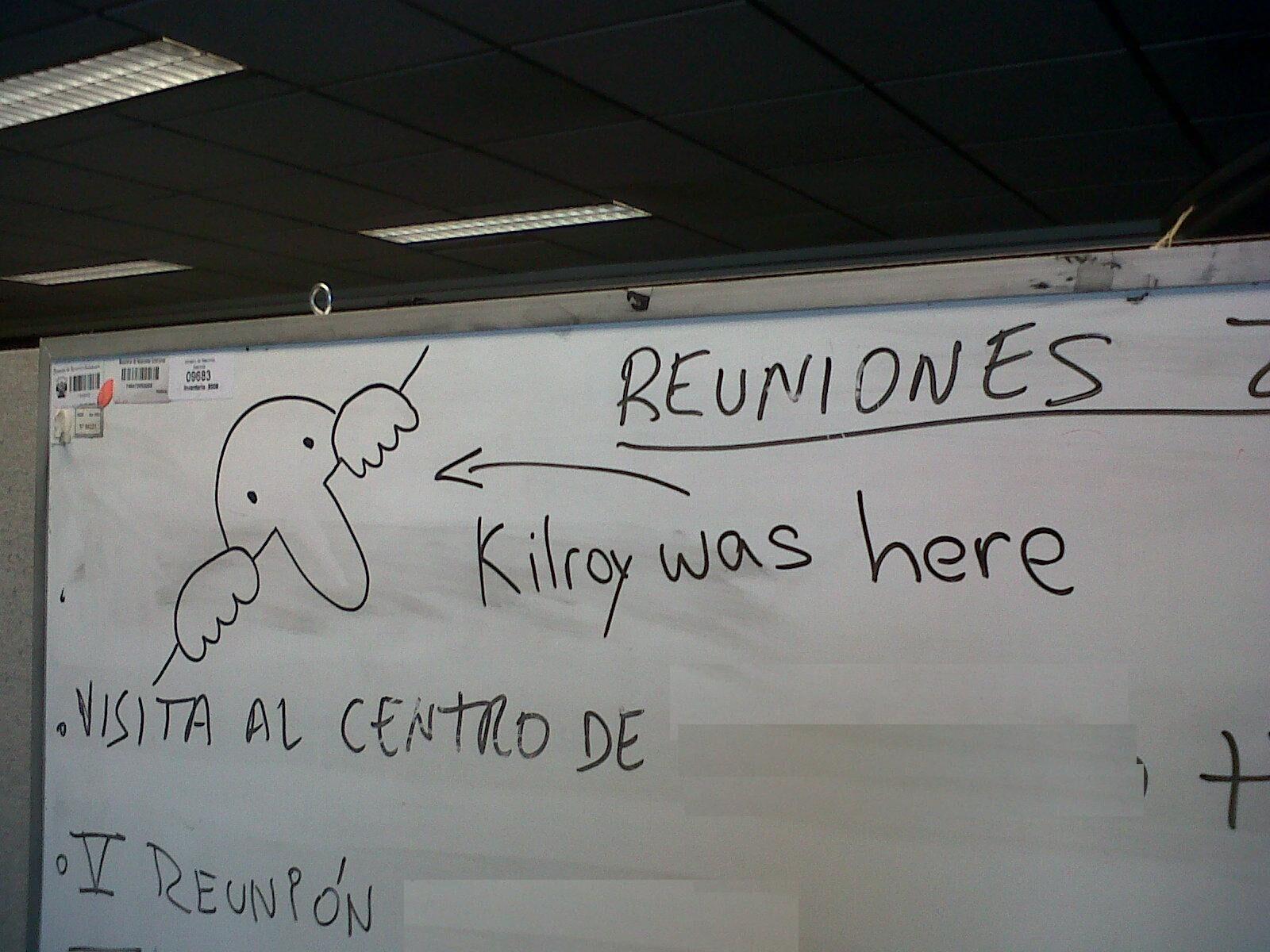
Where the word meme came from in 1976, the jokes that spread before the internet, the first smiley, captioned cats, short video and AI, what research says about why some memes spread, and the basics of who owns one.
10 min read
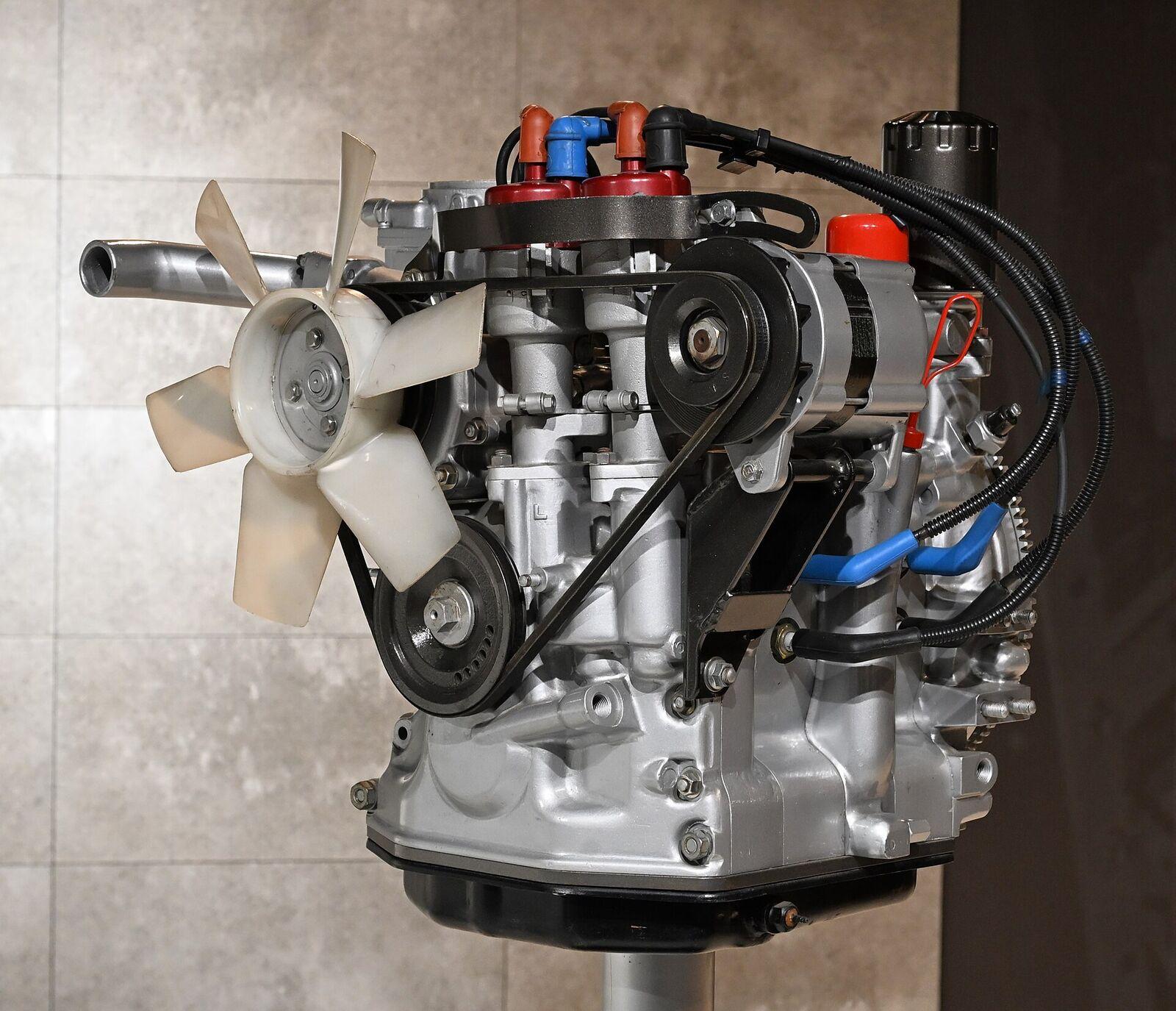
A rotary engine swaps pistons for a spinning three-sided rotor. How one rotor does all four jobs at once, why the engine is small and smooth, its honest weaknesses, the 1991 Le Mans win, and its return as a generator in a hybrid car.
10 min read
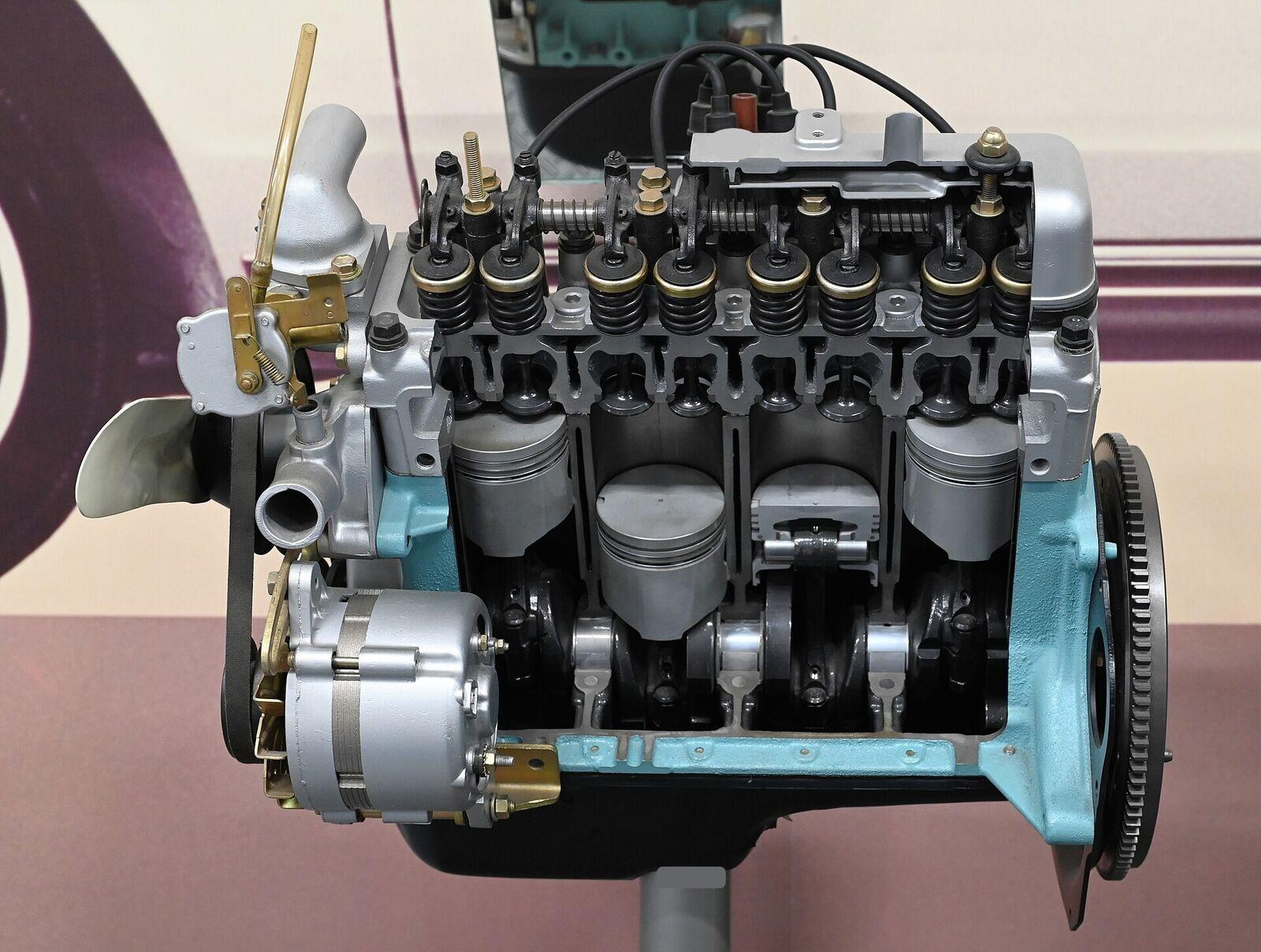
A gasoline engine turns small, timed fires into spin. The four strokes, the 14.7 to 1 air and fuel mix, valves, turbochargers, octane and knock, where the energy goes, how to read an engine advert, and the maintenance that matters.
10 min read
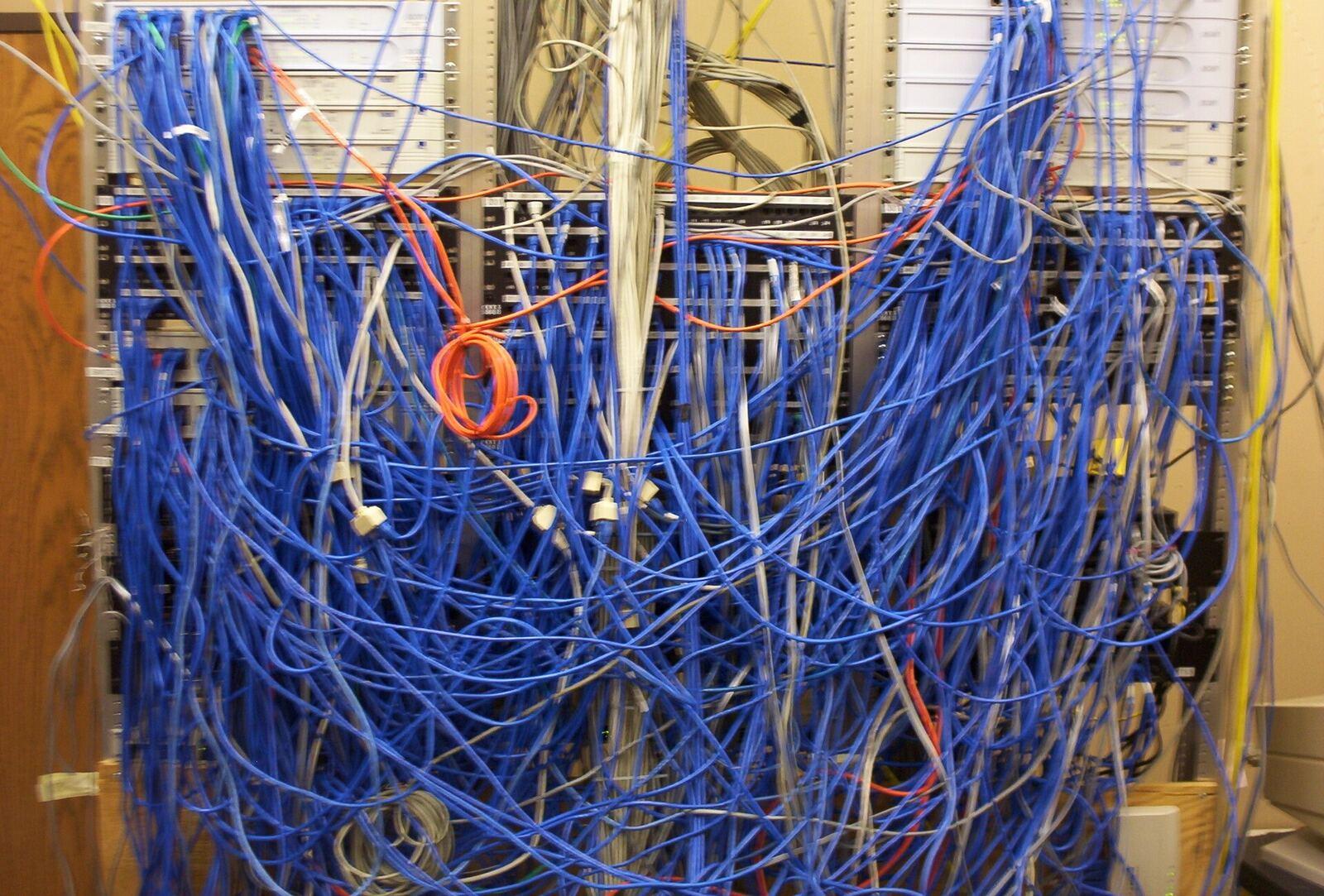
The seven layers of the OSI model in plain words, one web page followed down and up the stack, how the model compares with TCP/IP, how technicians use it to troubleshoot from the bottom up, and the unofficial Layer 8.
11 min read
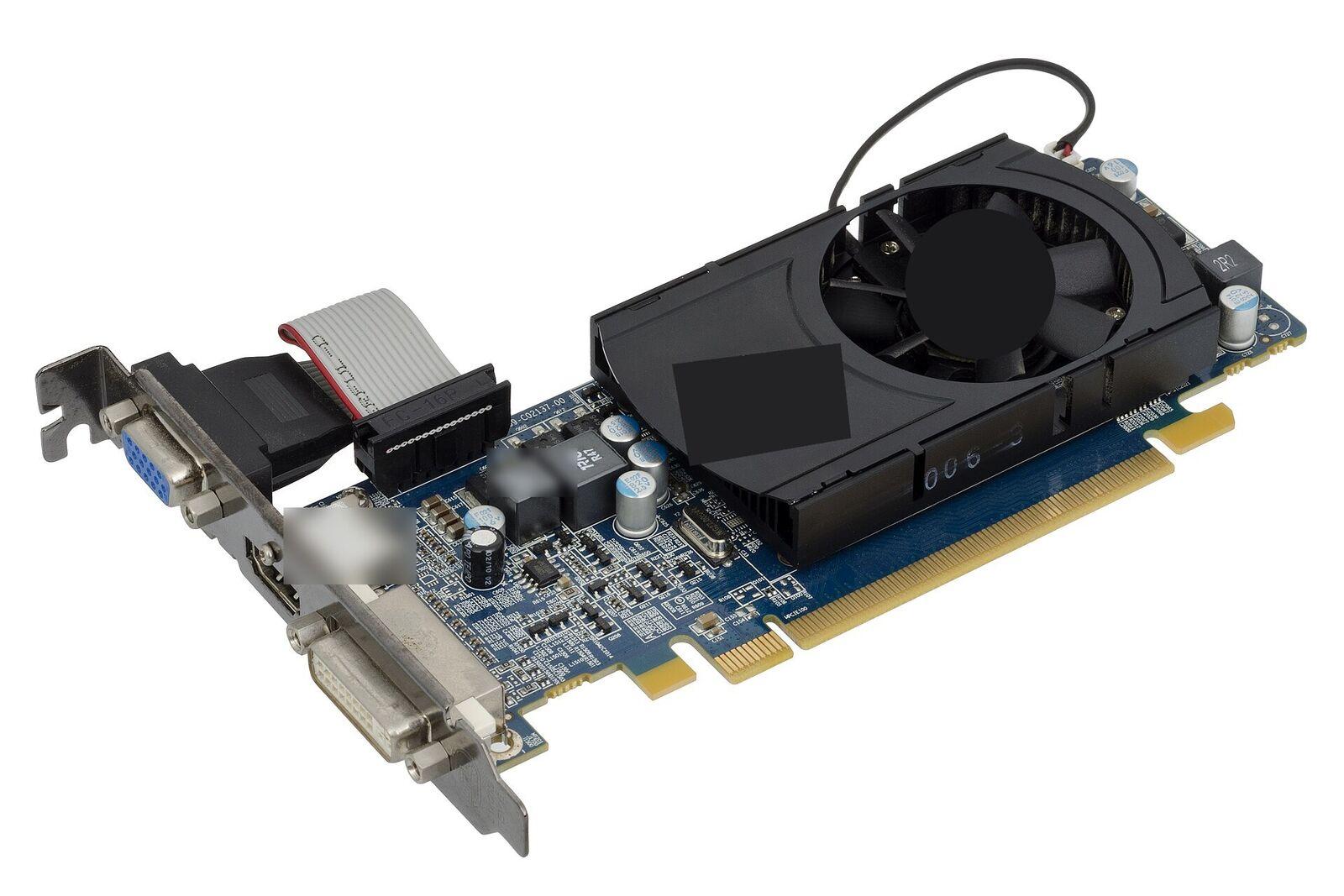
A graphics card is the costliest part of many PCs and the easiest to buy wrong. What it does, the numbers that matter, how to check power and fit, how to read benchmarks, and how to avoid worn-out, fake and scam listings.
11 min read
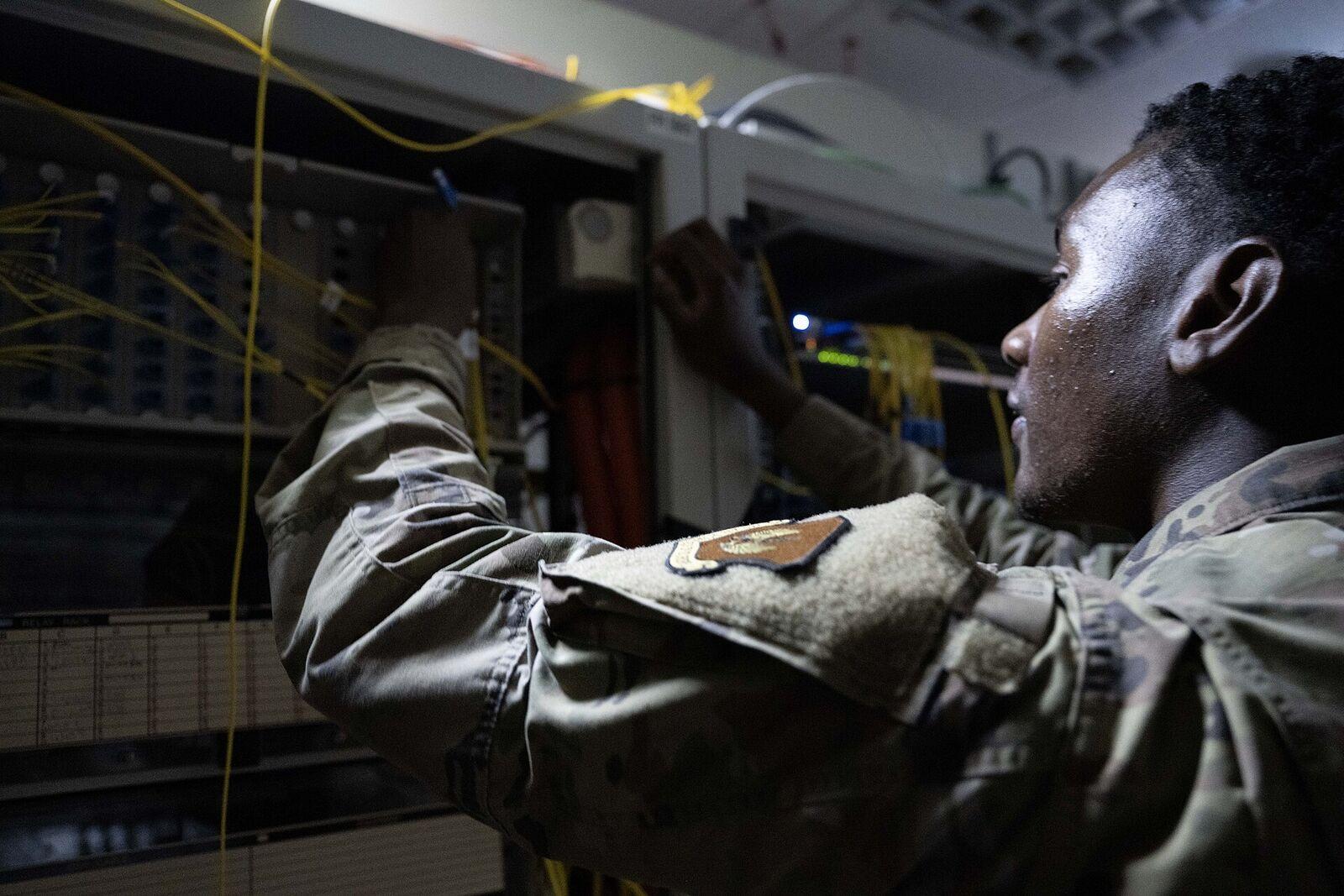
How fiber carries the internet as light in glass, why it beats copper and cable on speed, distance and upload, how it reaches a house through a PON and an ONT, what symmetrical means, what to ask a provider, and where its limits are.
10 min read
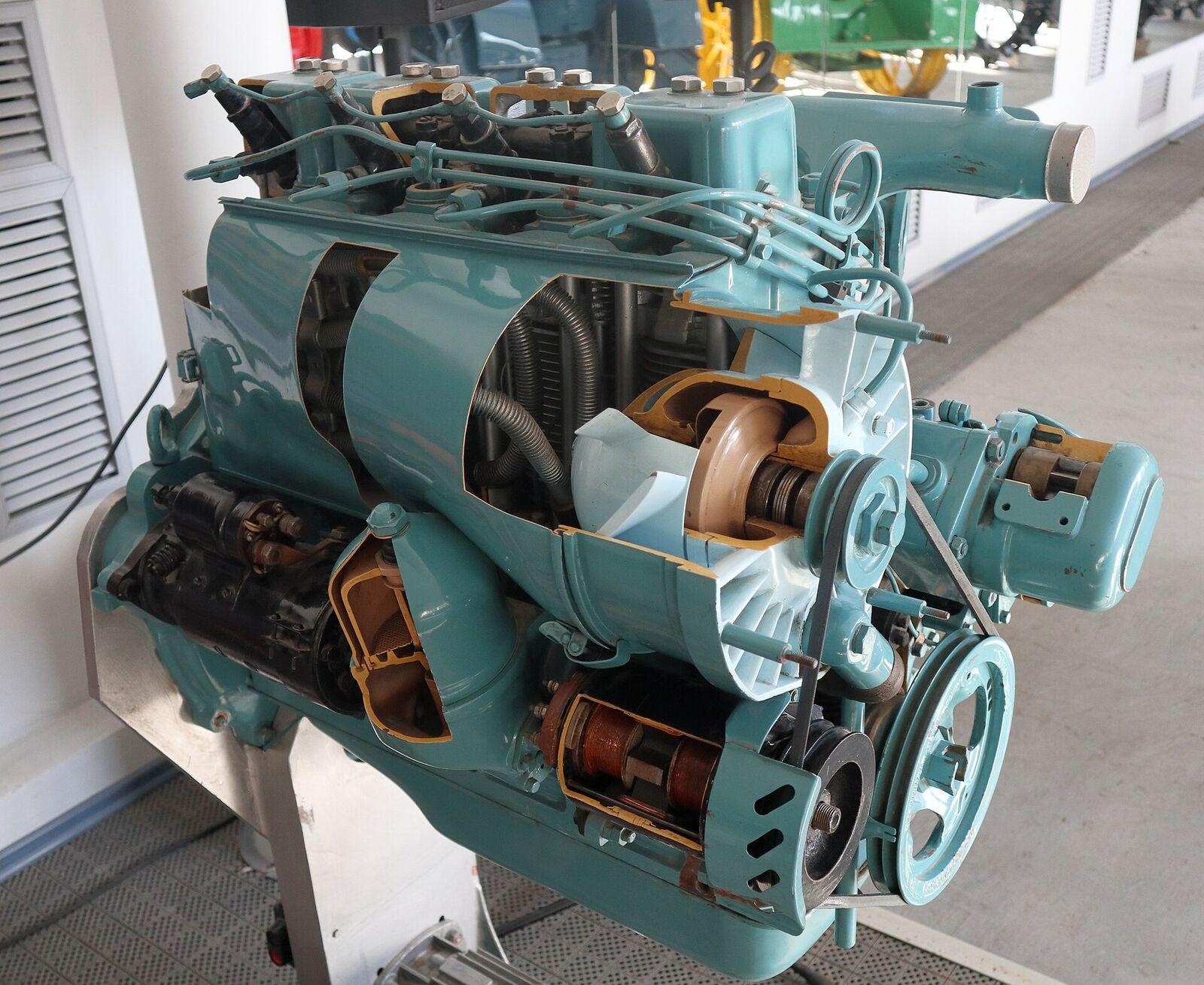
A diesel has no spark plug. It squeezes air until the air is hot enough to light the fuel. Why that gives strong pull and low fuel use, why trucks, ships and trains rely on it, what the exhaust equipment does, and what an owner should know.
10 min read